



Choosing restaurant software can be a major decision for an independent restaurant. The right platform needs to support daily operations while also helping the business manage online ordering, customers, marketing, and growth.
That is why a restaurant software free trial can be useful.
Instead of committing immediately, restaurant owners can test the platform, explore its features, and determine whether it actually fits their workflow.
In this guide, we'll explain what to look for during a free trial, which features matter most, and how to evaluate restaurant software before making a long-term decision.
What Is a Restaurant Software Free Trial?
A free trial gives restaurant owners temporary access to software before purchasing a paid plan.
Depending on the provider, a trial may allow you to test features such as:
- Online ordering
- Digital menu management
- Restaurant website tools
- Table reservations
- Catering management
- Delivery management
- Customer management
- Email and SMS marketing
- Reporting
A trial is valuable because restaurant software can look impressive during a demonstration but work differently when your actual staff and customers use it.
Why Should Restaurants Try Software Before Buying?
Every restaurant has different needs.
A platform that works well for one business may not fit another.
A trial gives restaurant owners an opportunity to determine:
Is it easy to use?
Your employees shouldn't need extensive technical training just to process an order.
Does it fit your workflow?
The software should support the way your restaurant actually operates.
Does it work on mobile devices?
Restaurant owners and staff may need access from phones, tablets, or computers.
Can customers use it easily?
The customer ordering experience is just as important as the restaurant's dashboard.
Does it provide the features you actually need?
More features aren't necessarily better if your team doesn't use them.
What Should You Test During a Free Trial?
Don't simply sign up and browse the dashboard.
Use the trial as if you're already running your restaurant.
Here are the most important areas to test.
1. Online Ordering
Online ordering should be one of the first features you evaluate.
Test whether customers can:
- Browse your menu
- Customize items
- Add special instructions
- Select pickup or delivery
- Schedule orders
- Pay online
- Receive confirmation
The ordering process should be simple and fast.
A complicated checkout experience can cause customers to abandon their orders.
👉 Related: How Do I Manage Restaurant Online Orders? A Complete Guide for Restaurant Owners (2026)
2. Restaurant Website
If the software includes a website builder, test the website from a customer's perspective.
Check:
- Mobile responsiveness
- Page loading
- Menu presentation
- Online ordering buttons
- Contact information
- Location details
- Branding
- Navigation
A branded restaurant website builder should make it easy for your restaurant to maintain a professional online presence.
The website should also make direct ordering easy to find.
3. Menu Management
Menu changes happen frequently in restaurants.
During your trial, try:
- Adding a menu item
- Removing an item
- Changing a price
- Creating categories
- Adding modifiers
- Marking items unavailable
- Adding photos
- Updating descriptions
If these basic tasks are difficult, your team may spend unnecessary time managing the system.
4. Commission-Free Ordering
If reducing third-party marketplace costs is one of your goals, check how the platform handles direct ordering.
Look carefully at:
- Per-order commissions
- Monthly subscription fees
- Setup fees
- Payment processing
- Delivery costs
- Additional charges
A platform can advertise commission-free ordering while still having other costs.
Understanding the complete pricing structure is important.
👉 Related: What Is the Best Restaurant Software With No Commission? A Complete Guide for 2026
5. QR Code Ordering
QR ordering can be useful for both dine-in and marketing.
Test whether the system allows customers to scan a QR code and quickly access your menu or ordering page.
You can potentially use QR codes on:
- Restaurant tables
- Printed menus
- Takeout packaging
- Receipts
- Flyers
- Business cards
A good restaurant QR code menu should be easy for customers to access and easy for staff to update.
6. Pickup and Delivery
Test both pickup and delivery workflows.
Check whether you can:
- Set pickup times
- Set delivery areas
- Manage delivery orders
- Update order status
- Track order progress
- Communicate with customers
If your restaurant offers delivery, a restaurant delivery management system can become an important part of your daily operations.
7. Table Reservations
For dine-in restaurants, reservations can be just as important as online ordering.
Test whether the system allows you to:
- Accept reservations
- View available tables
- Manage bookings
- Update reservations
- Track customer information
- Handle cancellations
If reservations are already managed through another platform, determine whether the new software can replace or integrate with it.
8. Catering Management
If your restaurant offers catering, test the catering features during the trial.
Look for tools that help manage:
- Large orders
- Catering menus
- Event dates
- Customer requests
- Delivery schedules
- Payments
Catering can create larger orders, but it can also require more coordination than standard takeout.
👉 Related: Restaurant Catering Management Software: Complete Guide for Growing Catering Orders (2026)
9. Email and SMS Marketing
Restaurant software can become more useful when ordering and marketing work together.
During the trial, check whether you can create:
- Email campaigns
- SMS campaigns
- Promotions
- Customer segments
- Coupons
- Repeat-order campaigns
Marketing tools can help restaurants stay connected with customers after their first order.
10. Customer Management
Customer information can help restaurants build stronger long-term relationships, subject to applicable privacy laws and customer consent.
Look for features that help organize:
- Customer profiles
- Order history
- Contact information
- Preferences
- Marketing permissions
- Repeat customers
This information can support more targeted promotions and customer retention.
11. Reporting and Analytics
Restaurant software should help you understand what's happening in your business.
During the trial, look for reports related to:
- Order volume
- Sales
- Popular menu items
- Customer activity
- Online orders
- Average order value
- Repeat customers
The goal isn't to collect as much data as possible.
The goal is to make useful business information easier to understand.
12. Ease of Use
This is one of the most important things to test.
Ask an employee who wasn't involved in setting up the system to perform basic tasks.
Can they:
- Receive an order?
- Update a menu item?
- Check a reservation?
- Process an order?
- Find customer information?
If the system requires constant assistance, it may create additional work for your team.
Free Trial vs Demo
A product demonstration and a free trial are not the same.
Demo
A representative shows you how the software works.
Free Trial
Your restaurant gets an opportunity to use the platform itself.
A demo can help you understand the overall product.
A trial lets you evaluate the actual experience.
Ideally, restaurant owners should use both when available.
Questions to Ask Before Starting a Free Trial
Before entering payment information, ask:
How long is the trial?
Some trials last a few days while others provide several weeks or months.
Is a credit card required?
Find out whether you will automatically be charged when the trial ends.
What features are included?
Some providers restrict important features during the trial.
Are there setup fees?
Check whether onboarding costs extra.
Are there transaction fees?
Understand payment processing and any per-order charges.
Can I cancel anytime?
Know the cancellation process before starting.
Can I export my data?
This can matter if you decide to switch platforms later.
How to Compare Restaurant Software During a Free Trial
Create a simple checklist before testing different platforms.
| Feature | What to Evaluate |
| Online Ordering | Ease of placing and managing orders |
| Website | Design, branding, mobile experience |
| Menu Management | Ease of updating menus |
| QR Ordering | Setup and customer experience |
| Delivery | Delivery workflow and tracking |
| Reservations | Booking and table management |
| Catering | Large-order management |
| Marketing | Email, SMS, promotions |
| Customer Management | Profiles and order history |
| Reporting | Useful business insights |
| Pricing | Total cost |
| Support | Availability and response time |
This makes it easier to compare platforms based on your actual restaurant requirements.
Don’t Choose Software Based Only on Price
The cheapest software isn't necessarily the least expensive option in the long run.
A low-cost platform may require additional subscriptions for:
- Website hosting
- Online ordering
- Marketing
- Reservations
- Delivery
- Customer management
An all-in-one platform may cost more upfront but reduce the number of separate systems your restaurant needs.
Look at the total cost, not just the advertised monthly price.
Why All-in-One Restaurant Software Can Be Useful
Many restaurants use different systems for different tasks.
For example:
System 1: Website
System 2: Online ordering
System 3: Reservations
System 4: Marketing
System 5: Catering
System 6: Delivery
Managing multiple platforms can create unnecessary complexity.
An all-in-one restaurant management and ordering system can bring more of these functions together.
This can make daily operations easier and reduce the number of systems employees need to learn.
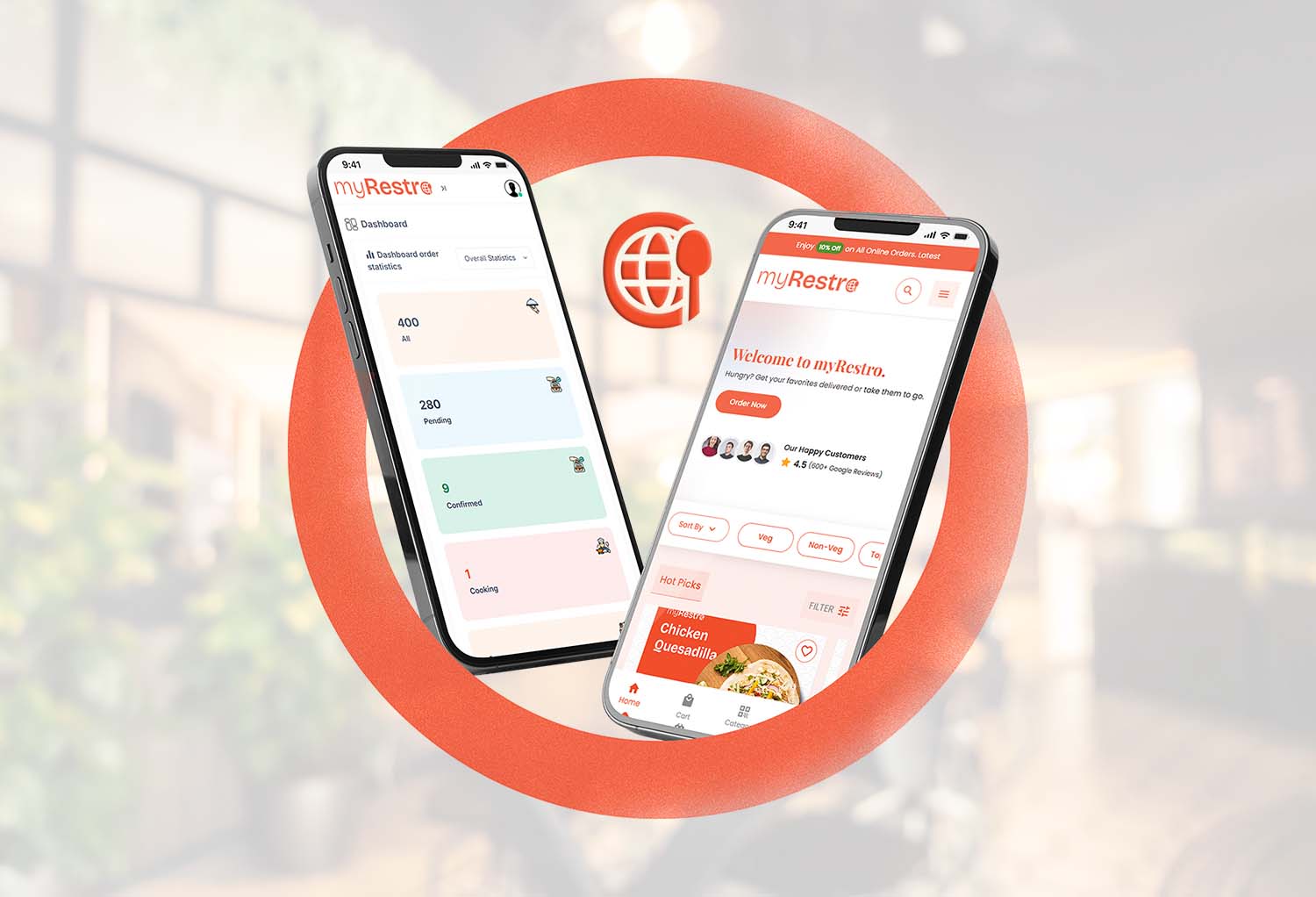
Why myRestro Offers a 90-Day Free Trial
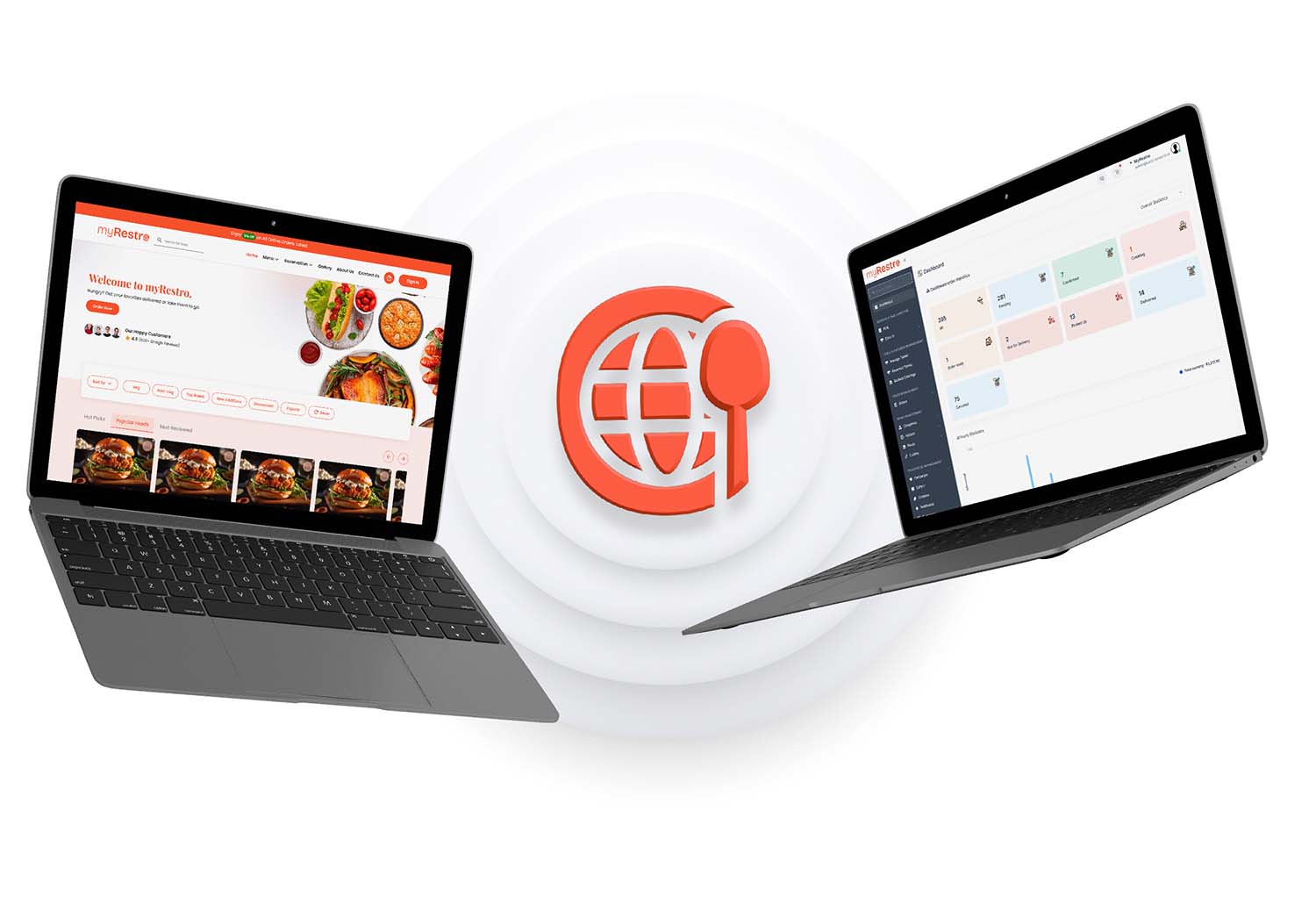
myRestro gives restaurants an opportunity to evaluate its restaurant management and ordering platform through a 90-day free trial.
This provides more time than a short trial period to test the system with real restaurant workflows.
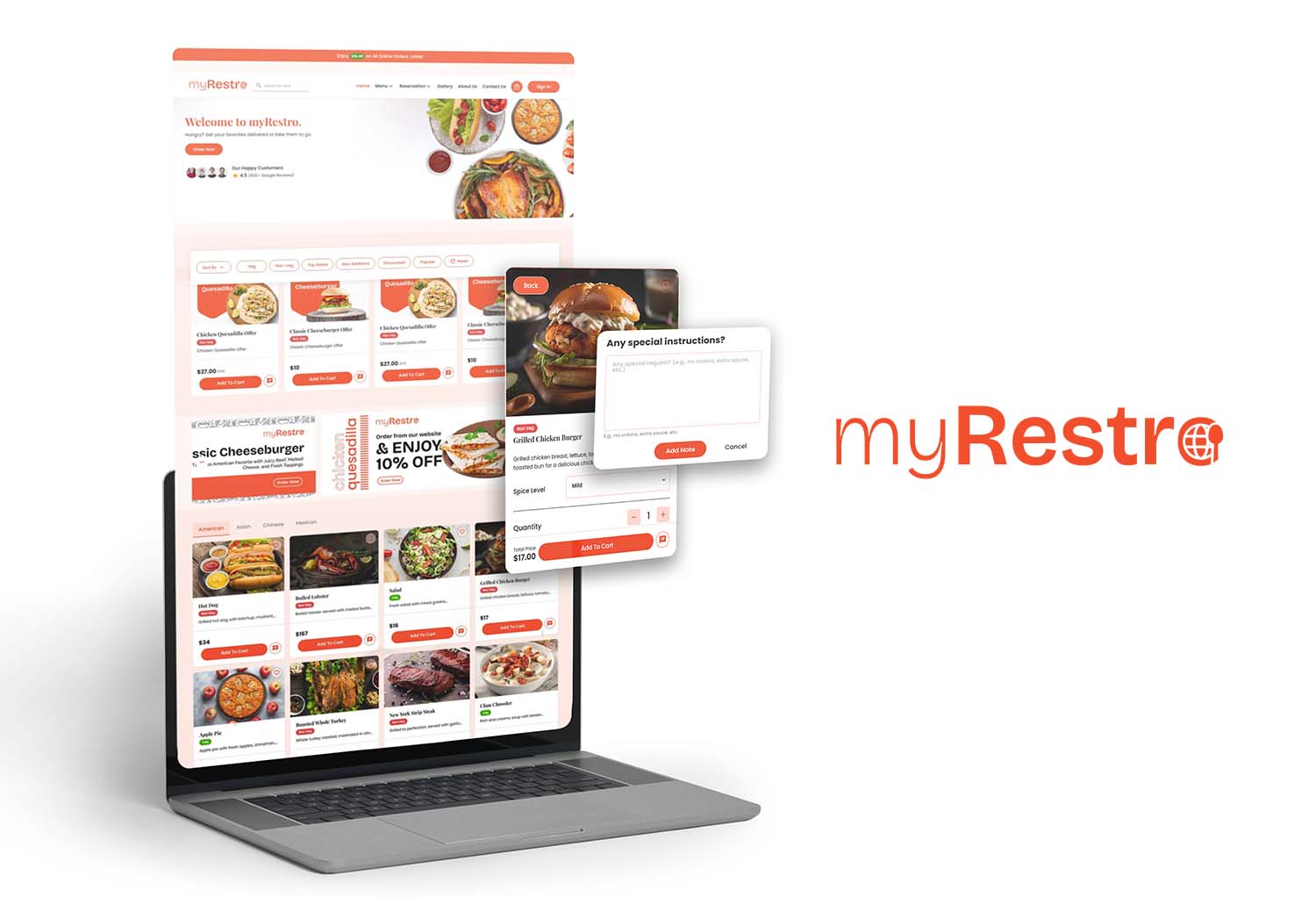
Restaurants can explore features such as:
- Online ordering
- Branded restaurant website
- Menu management
- QR code ordering
- Table reservations
- Catering management
- Delivery and pickup
- Email and SMS marketing
- Customer management
The goal is to give restaurant owners enough time to determine whether the platform fits their business.
Who Should Consider a Restaurant Software Free Trial?
A trial can be particularly useful for:
Independent Restaurants
Test whether the software simplifies daily operations.
Small Restaurants
Determine whether the platform provides the necessary features without excessive complexity.
Growing Restaurants
See whether the software can scale with increasing order volume.
Multi-Location Restaurants
Test whether multiple locations can be managed efficiently.
Restaurants Switching Software
Use the trial to compare your current workflow with a new system before making a transition.
Free Trial Checklist for Restaurant Owners
Before the trial ends, make sure you've tested:
- Online ordering
- Restaurant website
- Menu management
- Pickup
- Delivery
- QR ordering
- Reservations
- Catering
- Customer management
- Email marketing
- SMS marketing
- Reporting
- Payment processing
- Staff workflow
- Customer ordering experience
- Pricing and fees
- Customer support
This gives you a clearer picture of whether the software is actually suitable for your restaurant.
Frequently Asked Questions
What is the best restaurant software free trial in 2026?
The right platform depends on your restaurant's needs. Look for a trial that gives you enough time to test online ordering, website tools, menu management, marketing, reservations, delivery, and other features your restaurant actually uses.
How long should a restaurant software free trial be?
There isn't one ideal length. A longer trial gives restaurants more time to test the platform with real workflows, staff, and customers.
What should I test during a restaurant software free trial?
Test online ordering, menu management, website tools, pickup, delivery, reservations, catering, marketing, customer management, reporting, and payment processing.
Is a free trial really free?
Not always. Check whether a credit card is required, when billing begins, and whether there are setup, transaction, or other fees.
Can small restaurants use all-in-one restaurant software?
Yes. Small restaurants can use all-in-one platforms to manage multiple operations without maintaining numerous separate systems.
Does myRestro offer a free trial?
Yes. myRestro offers a 90-day free trial for restaurants to evaluate its platform.
Can restaurant software manage online ordering and reservations?
Some all-in-one platforms provide both online ordering and reservation management. Check the specific features included with each plan.
What software do restaurants use for online ordering?
Restaurants commonly use dedicated online ordering platforms, POS systems, restaurant management software, or all-in-one restaurant platforms that combine ordering with other operations.
Try myRestro Free for 90 Days
Choosing restaurant software is easier when you can test it before committing.
With myRestro, restaurants can explore an all-in-one platform for online ordering, restaurant management, marketing, reservations, catering, and more.
With myRestro, you get:
- 90-Day Free Trial
- Online Ordering
- Commission-Free Ordering
- Branded Restaurant Website
- Online Menu Management
- QR Code Menu
- Table Reservation Management
- Catering Management
- Delivery & Pickup Management
- Email & SMS Marketing
- Customer Management
- No Setup Fees
Contact Us
Contact: +1 (562) 366-0646
Email: [email protected]
Website: https://myrestro.io
0 Comments