




Running a restaurant in California involves much more than serving great food.
Restaurant owners have to manage online orders, menus, customers, reservations, catering, delivery, marketing, payments, and day-to-day operations—all while keeping the customer experience smooth.
Using a separate system for every task can quickly become complicated.
That's where all-in-one restaurant management software in California can help.
Instead of switching between multiple platforms, restaurant owners can use one centralized system to manage important parts of their restaurant business.
In this guide, we'll explain what all-in-one restaurant management software does, which features California restaurants should look for, and how myRestro can help bring these tools together.
What Is All-in-One Restaurant Management Software?
All-in-one restaurant management software combines multiple restaurant tools into one platform.
Depending on the software, this can include:
- Online ordering
- Digital menu management
- Restaurant website
- Pickup and delivery
- Table reservations
- Catering management
- Customer management
- Email marketing
- SMS marketing
- QR code menus
- Reporting
- Restaurant operations
The main idea is simple:
One restaurant. One platform. Multiple essential tools.
Instead of managing several disconnected systems, restaurant owners can have more of their daily operations in one place.
Why California Restaurants Need Efficient Restaurant Software
California has a diverse restaurant industry, from independent neighborhood restaurants and food trucks to multi-location restaurant groups.
Regardless of the restaurant type, owners commonly need to manage several digital channels.
A customer might:
- Discover your restaurant online.
- Visit your website.
- Browse your digital menu.
- Place an order.
- Choose pickup or delivery.
- Receive confirmation.
- Return later because of a promotion.
Managing every step through different platforms can make the process harder.
An integrated restaurant software platform can help connect these activities.
Key Features to Look For
When comparing restaurant software in California, don't focus only on the POS.
Consider the complete set of tools your restaurant needs.
1. Online Ordering
Online ordering allows customers to order directly from your restaurant's digital channel.
A useful system should make it easy to:
- Display your menu
- Accept online orders
- Manage item modifiers
- Process payments
- Offer pickup
- Offer delivery
- Schedule orders
- Send confirmations
Direct ordering can also give restaurants greater control over the customer ordering experience.
👉 Related: Top Online Ordering Systems for Takeout and Delivery (2026): What Restaurants Should Look For
2. Branded Restaurant Website
Your restaurant website is often one of the first places customers interact with your brand.
Restaurant software can make it easier to combine your website with online ordering.
A restaurant website can include:
- Logo and branding
- Menu
- Food photos
- About information
- Location
- Contact information
- Hours
- Online ordering
- Reservations
- Promotions
A branded restaurant website can provide customers with a direct destination rather than requiring them to search through multiple platforms.
3. Digital Menu Management
Restaurant menus change regularly.
You may need to update:
- Prices
- Menu items
- Descriptions
- Photos
- Categories
- Modifiers
- Availability
- Seasonal specials
An online menu management system should make these changes simple.
When comparing restaurant software, test how quickly your team can make a real menu update.
4. Commission-Free Online Ordering
Restaurant owners often look for ways to increase direct orders and reduce dependence on third-party ordering marketplaces.
A commission-free ordering system can provide a direct ordering channel through your restaurant website or digital menu.
However, always examine the complete pricing structure.
Look for:
- Monthly software fees
- Setup fees
- Transaction fees
- Payment processing
- Delivery costs
- Additional feature charges
The term "commission-free" doesn't automatically mean there are no other costs.
5. Pickup and Delivery Management
California restaurants may serve customers through both pickup and delivery.
Restaurant software can help organize:
Pickup
- Pickup times
- Order status
- Customer details
- Preparation workflow
Delivery
- Customer addresses
- Delivery zones
- Delivery schedules
- Order status
- Delivery coordination
Having these workflows within the same system can make order management easier for staff.
6. Restaurant Table Reservations
For dine-in restaurants, reservation management is another important part of operations.
A restaurant management platform may allow you to:
- Accept reservations
- Manage bookings
- View tables
- Track reservations
- Manage customer information
- Handle cancellations
Keeping reservation information organized can make it easier for staff to manage seating.
7. QR Code Menus
QR code menus provide another way for customers to access your restaurant's menu.
Restaurants can place QR codes on:
- Tables
- Printed menus
- Receipts
- Takeout packaging
- Flyers
- Promotional materials
Customers can scan the code using their phone and access the digital menu.
If the menu is connected to your restaurant software, changes can be made digitally instead of reprinting menus every time something changes.
8. Catering Management
California restaurants that offer catering may need additional tools for larger or scheduled orders.
Catering management software can help organize:
- Catering menus
- Large orders
- Customer information
- Event dates
- Delivery schedules
- Special requests
- Catering payments
Keeping catering information separate from everyday orders can help staff manage larger events more efficiently.
👉 Related: Restaurant Catering Management Software: Complete Guide for Growing Catering Orders (2026)
9. Customer Management
Direct ordering can provide restaurants with customer information, subject to applicable privacy requirements and customer consent.
Restaurant software may help organize:
- Customer profiles
- Order history
- Contact information
- Repeat orders
- Marketing permissions
- Customer segments
This information can support customer retention and personalized marketing.
10. Email and SMS Marketing
Restaurant marketing doesn't have to stop after a customer places an order.
Email and SMS tools can help restaurants communicate with customers about:
- New menu items
- Special offers
- Seasonal promotions
- Events
- Catering
- Discounts
- Restaurant announcements
When marketing tools are connected to restaurant software, managing campaigns can become more convenient.
11. Restaurant Coupon Management
Coupons can be useful for promoting specific products or encouraging repeat orders.
A restaurant software platform may allow you to create and manage:
- Discount codes
- Percentage discounts
- Fixed-value offers
- Promotional campaigns
- Customer-specific offers
The important part is being able to manage promotions without creating unnecessary manual work.
12. Reporting and Restaurant Insights
Restaurant owners need to understand how their business is performing.
Useful reporting can include:
- Order volume
- Sales
- Popular menu items
- Average order value
- Customer activity
- Repeat orders
- Online ordering activity
- Marketing performance
Good restaurant software should turn operational data into information that owners can actually use.
All-in-One Software vs Multiple Restaurant Platforms
Restaurants can manage their technology in two main ways.
Multiple Platforms
A restaurant might use:
- One website platform
- One ordering system
- One reservation system
- One marketing platform
- One catering system
- One delivery solution
This can provide flexibility, but it can also mean more accounts, subscriptions, integrations, and training.
All-in-One Platform
An all-in-one platform brings several functions together.
For example:
Website → Menu → Online Ordering → Customer Management → Marketing
This connected approach can simplify the restaurant's technology setup.
What Should California Restaurant Owners Consider?
Before choosing restaurant software, consider your specific business.
Restaurant Type
Are you running:
- Full-service restaurant
- Fast-casual restaurant
- Takeout restaurant
- Food truck
- Catering business
- Multi-location restaurant?
Your requirements can vary depending on the business model.
Number of Locations
A single-location restaurant may have different needs from a restaurant group.
If you plan to expand, consider whether the software can support additional locations.
Online Ordering
If direct online ordering is important, check:
- Ordering fees
- Website integration
- Menu synchronization
- Pickup
- Delivery
- Customer management
Marketing
If you want to build repeat business, consider whether email, SMS, promotions, and customer management are included.
Ease of Use
Your staff should be able to use the platform without unnecessary complexity.
How Much Does Restaurant Management Software Cost?
Restaurant software pricing varies significantly.
Your total cost can depend on:
- Number of locations
- Number of users
- Hardware
- Software plan
- Online ordering
- Payment processing
- Marketing tools
- Delivery
- Additional integrations
Some platforms charge monthly subscriptions, while others use different pricing models.
Before signing up, calculate the total cost of the tools you currently use and compare it with the complete cost of an all-in-one platform.
Questions to Ask Before Choosing Restaurant Software
Before committing to a platform, ask:
Does it support online ordering?
Make sure direct ordering works the way your customers expect.
Can I manage my menu myself?
Routine menu changes shouldn't require technical assistance.
Does it include a website?
A branded website can help establish a direct online presence.
Does it support pickup and delivery?
Check whether both workflows are included.
Can I manage reservations?
This matters especially for dine-in restaurants.
Does it support catering?
If catering is part of your business, make sure the software can accommodate it.
Does it include marketing?
Check for email, SMS, coupons, and customer-management tools.
Are there setup fees?
Look beyond the advertised monthly subscription.
Can I try the software?
A free trial lets your team test the platform before making a longer-term commitment.
Why myRestro Is Built for Restaurant Management
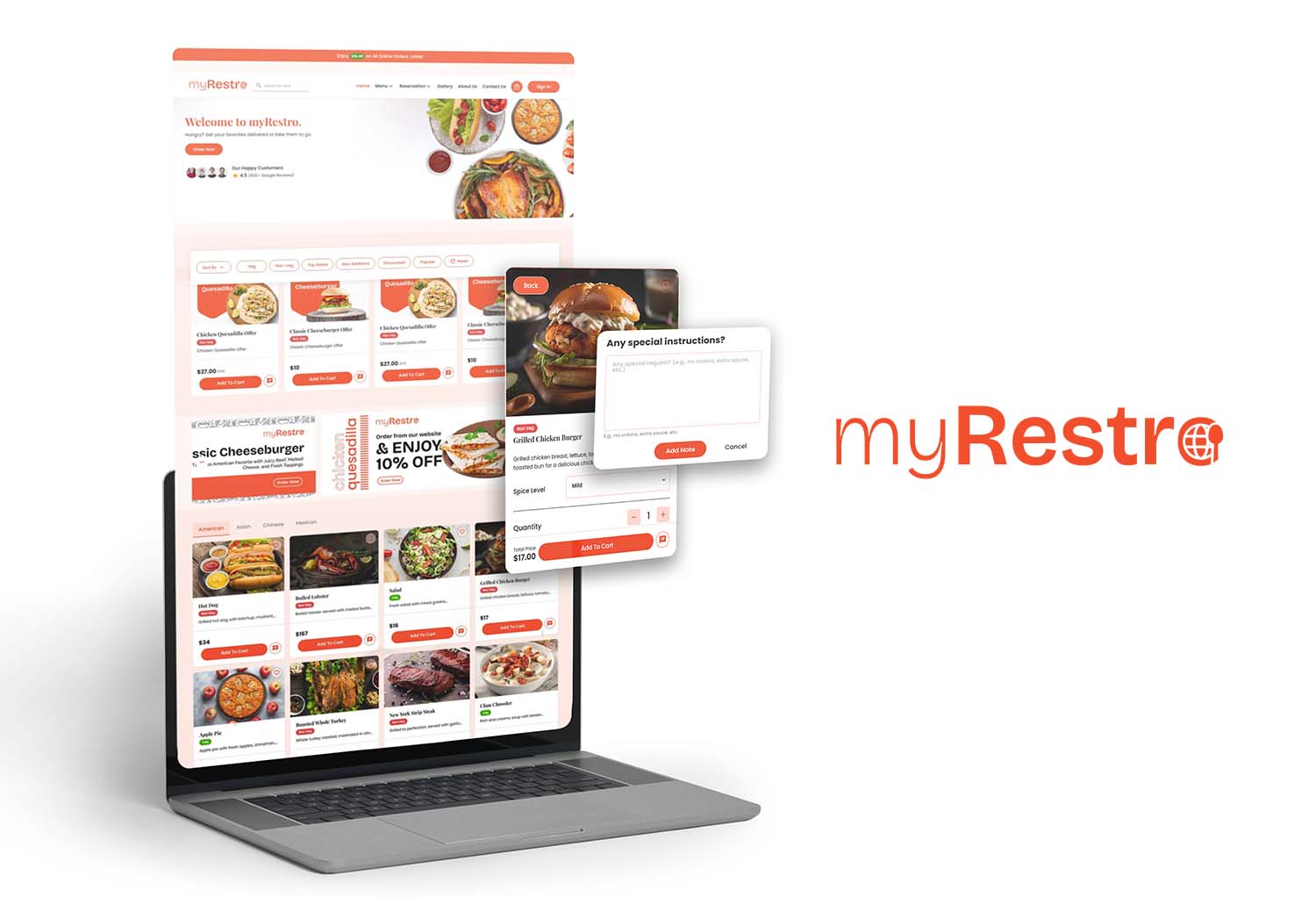
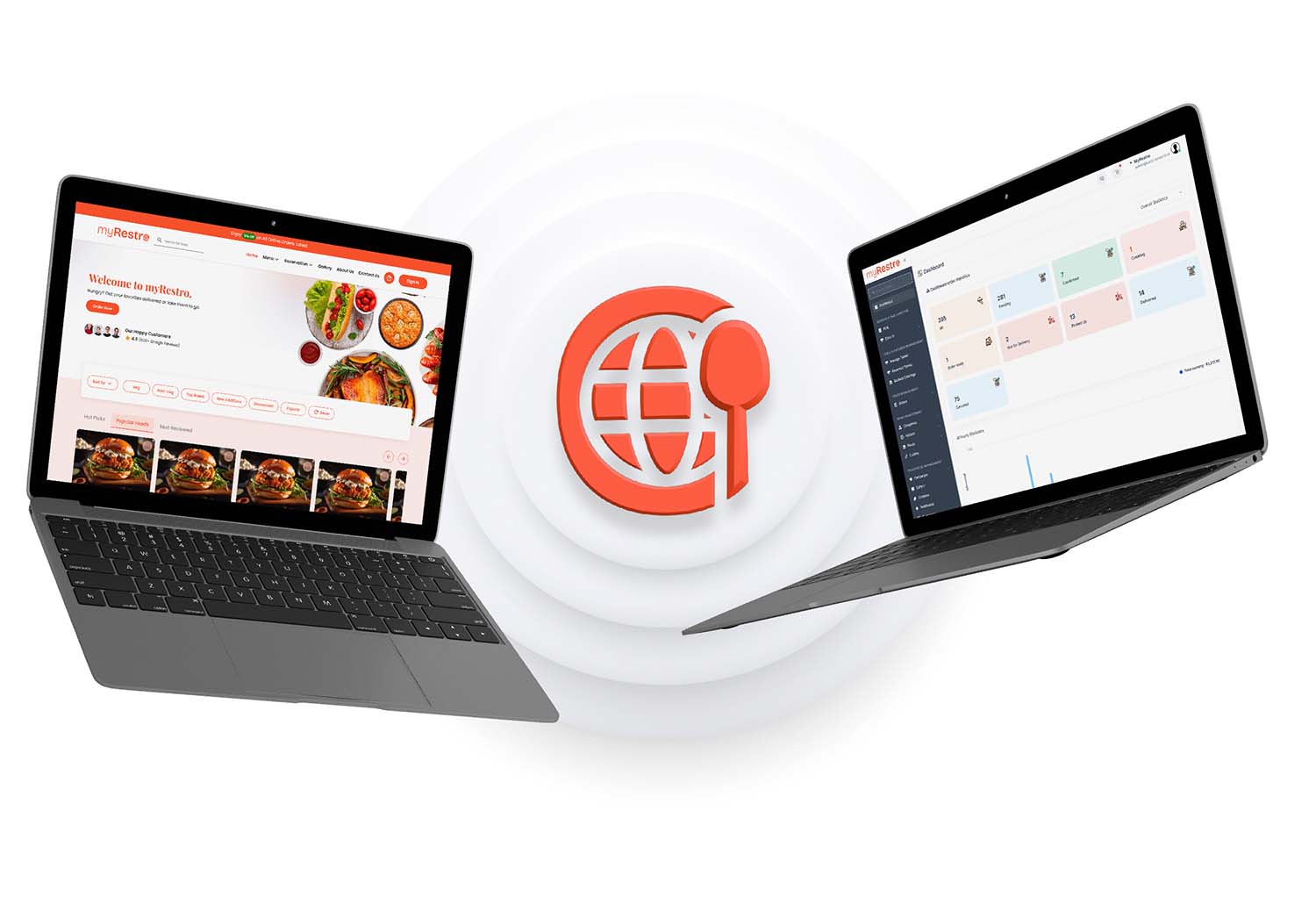
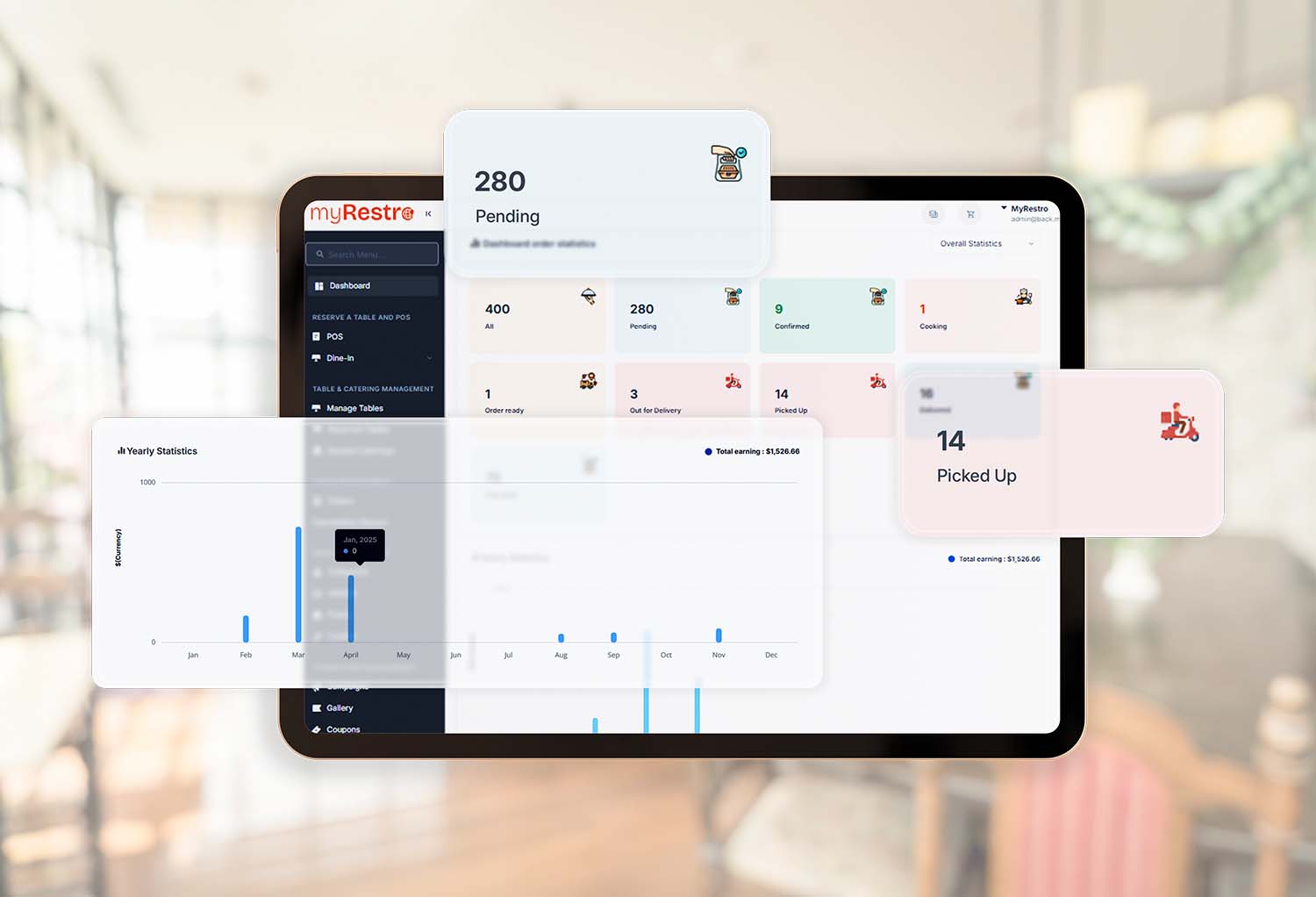
myRestro brings essential restaurant management and ordering tools together in one platform.
Instead of using separate systems for different restaurant functions, businesses can use myRestro to manage several areas from one platform.
myRestro includes:
- Commission-Free Online Ordering
- Branded Restaurant Website
- Online Menu Management
- QR Code Menu
- Table Reservation Management
- Catering Management
- Delivery & Pickup Management
- Email & SMS Marketing
- Customer Management
- Restaurant Management Tools
For California restaurants looking for an all-in-one restaurant management software solution, myRestro provides a platform that combines online ordering and other restaurant-management functions.
Why an All-in-One Approach Can Simplify Restaurant Operations
Imagine managing your restaurant's digital operations through one platform.
A customer places an order through your website.
↓
The order enters your ordering system.
↓
Your staff manages the order.
↓
The customer receives the order.
↓
Customer information can support future marketing.
↓
Your restaurant can use promotions to encourage another order.
This creates a more connected digital workflow.
Instead of managing every function independently, your restaurant can bring more of its operations together.
Who Can Use All-in-One Restaurant Software?
Independent Restaurants
Manage ordering, menus, customers, marketing, and reservations in one place.
Takeout Restaurants
Focus on direct online ordering and pickup management.
Delivery Restaurants
Manage online orders and delivery workflows.
Food Trucks
Provide customers with a digital ordering channel while keeping operations simple.
Catering Businesses
Manage larger scheduled orders and customer information.
Multi-Location Restaurants
Use centralized restaurant tools while managing multiple locations.
Frequently Asked Questions
What is all-in-one restaurant management software?
It is a platform that combines multiple restaurant functions—such as online ordering, menu management, reservations, marketing, customer management, and delivery—within one system.
What restaurant software is best for California restaurants?
The right software depends on the restaurant's size, business model, locations, ordering requirements, and budget. Compare the specific features and total costs that apply to your business.
Can restaurant management software handle online orders?
Yes. Many restaurant management platforms include online ordering or integrate with ordering systems.
Can restaurant software manage delivery and pickup?
Many platforms support both pickup and delivery workflows. Restaurant owners should verify the exact delivery features and fees before choosing a system.
Does restaurant software include a website?
Some restaurant management platforms include branded website tools, while others require a separate website service.
Can restaurant software help with restaurant marketing?
Yes. Depending on the platform, marketing features can include email, SMS, customer management, promotions, coupons, and loyalty tools.
Is all-in-one restaurant software useful for small restaurants?
It can be. Small restaurants may benefit from having multiple restaurant functions available through one platform rather than maintaining several separate systems.
Does myRestro offer a free trial?
Yes. myRestro offers a 90-day free trial so restaurants can explore the platform before making a longer-term commitment.
Final Thoughts
Restaurant management involves many moving parts.
Online ordering, menus, reservations, delivery, catering, customer management, and marketing can all require time and attention.
Using multiple disconnected platforms can make those processes more complicated.
All-in-one restaurant management software in California can provide another approach by bringing essential restaurant tools together.
When evaluating your options, look beyond the feature list.
Consider:
- Ease of use
- Online ordering
- Website functionality
- Menu management
- Pickup and delivery
- Reservations
- Catering
- Marketing
- Customer management
- Pricing
- Scalability
- Customer support
Most importantly, choose software based on how it fits your restaurant's actual workflow.
Start Managing Your Restaurant With myRestro
myRestro brings online ordering and essential restaurant management tools together in one platform.
Get started with:
- 90-Day Free Trial
- Commission-Free Online Ordering
- No Setup Fees
- Branded Restaurant Website
- Digital Menu & QR Code Menu
- Pickup & Delivery Management
- Table Reservations
- Catering Management
- Email & SMS Marketing
- Customer Management
Contact: +1 (562) 366-0646
Email: [email protected]
Website: https://myrestro.io
0 Comments