




Managing online orders can become complicated as a restaurant grows. Orders may come from a restaurant website, mobile devices, QR codes, delivery channels, and other ordering sources.
Without the right system, restaurant staff can spend too much time manually entering orders, checking payments, updating menus, and communicating with customers.
A modern restaurant ordering system can bring these processes together and make online order management easier.
In this guide, we'll explain how restaurants can manage online orders efficiently, reduce mistakes, improve customer service, and increase direct orders.
What Does Online Order Management Mean?
Online order management is the process of receiving, organizing, preparing, tracking, and completing food orders placed through digital channels.
A typical workflow includes:
- Customer views the menu
- Customer places an order
- Restaurant receives the order
- Staff confirms the order
- Kitchen prepares the food
- Customer chooses pickup or delivery
- Order is completed
- Customer receives confirmation
A good system automates as much of this process as possible.
Why Restaurants Need an Online Ordering System
Managing online orders manually can quickly become difficult.
Restaurants may deal with:
- Phone orders
- Website orders
- Pickup orders
- Delivery orders
- Catering orders
- Dine-in orders
- QR code orders
When these orders are managed separately, mistakes become more likely.
A centralized online ordering system for restaurants can help staff manage orders from one place.
Benefits include:
- Fewer order-entry mistakes
- Faster order processing
- Better communication
- Easier menu updates
- Organized pickup and delivery
- Improved customer experience
- Better order tracking
Step 1: Create a Branded Restaurant Ordering Website
Your own website should be one of the primary places customers can order from.
A restaurant ordering website should make it easy for customers to:
- View the menu
- Customize items
- Select pickup or delivery
- Choose a preferred time
- Pay online
- Receive order confirmation
A branded website also gives restaurants more control over the customer experience.
Instead of sending customers directly to third-party marketplaces, restaurants can encourage customers to order through their own website.
Step 2: Keep Your Online Menu Updated
An outdated online menu can create unnecessary problems.
For example, if an item is unavailable online but still appears on the menu, customers may order something the kitchen cannot prepare.
Restaurant owners should regularly check:
- Item availability
- Prices
- Descriptions
- Photos
- Add-ons
- Portion sizes
- Special instructions
- Business hours
An online menu system makes these updates much easier.
Restaurants should also make sure changes are reflected across their ordering channels whenever possible.
Step 3: Centralize Online Orders
One of the biggest challenges restaurants face is managing orders from multiple sources.
Instead of checking several tablets, websites, emails, and phone messages, restaurants can use restaurant ordering software that centralizes orders.
A centralized system allows staff to see:
- New orders
- Scheduled orders
- Pickup orders
- Delivery orders
- Order status
- Customer information
- Payment status
This reduces confusion during busy periods.
Step 4: Organize Pickup and Delivery
Pickup and delivery orders require different workflows.
For pickup orders, staff need to know:
- When the customer is arriving
- Whether the order is ready
- Where the order is stored
For delivery orders, restaurants need to manage:
- Delivery address
- Driver availability
- Delivery time
- Order status
- Customer notifications
A restaurant delivery management system can help organize these processes.
Step 5: Use QR Code Ordering
QR code ordering can connect your physical restaurant with your digital ordering system.
Customers can scan a QR code using their phone and access the restaurant's digital menu.
Depending on the setup, they can:
- Browse the menu
- Place an order
- Request pickup
- Order from their table
- Make payments
A restaurant QR code menu also makes it easier to keep menus updated without repeatedly printing physical copies.
👉 Related:
Restaurant QR Code Menu: Benefits, Setup & Best Practices (2026)
Step 6: Manage Scheduled Orders
Not every customer wants food immediately.
Customers may want to place an order several hours or even days ahead.
Restaurants should be able to organize:
- Scheduled pickup
- Scheduled delivery
- Catering orders
- Large group orders
- Special events
Scheduled ordering helps kitchens prepare for demand instead of being surprised by large orders.
Step 7: Manage Catering Orders Separately
Catering orders are usually much larger and more complicated than standard online orders.
They may include:
- Large quantities
- Multiple menu items
- Special dietary requirements
- Specific delivery times
- Event information
- Deposits or advance payments
Using restaurant catering management software can help restaurants organize these orders more efficiently.
👉 Related:
Restaurant Catering Management Software: Complete Guide for Growing Catering Orders (2026)
Step 8: Track Payments
Online ordering should make payment management easier rather than creating additional administrative work.
Restaurants should be able to track:
- Paid orders
- Unpaid orders
- Refunds
- Payment status
- Online transactions
- Order totals
Integrated payment processing can reduce manual reconciliation and make it easier to match payments with orders.
Step 9: Keep Customers Updated
Communication is an important part of online ordering.
Customers want to know:
- Has my order been received?
- Is it being prepared?
- Is it ready?
- Is it on the way?
Automated notifications can reduce the number of calls restaurants receive asking about order status.
Email and SMS marketing can also be used after the order is completed to encourage customers to return.
Step 10: Use Customer Data for Repeat Orders
An online order isn't just a transaction.
It can also create valuable customer information that restaurants can use to improve marketing.
Restaurants can use customer data to:
- Promote special offers
- Send birthday promotions
- Announce new menu items
- Promote catering
- Encourage repeat orders
- Build loyalty
This is one reason owning your direct ordering channel can be valuable.
👉 Related:
How to Get Direct Orders Without Delivery Apps
How to Reduce Online Ordering Mistakes
Even with good software, restaurants need an organized process.
Keep menus updated
Remove unavailable items immediately.
Use clear order statuses
Staff should know whether an order is:
New → Confirmed → Preparing → Ready → Completed
Train employees
Every employee handling digital orders should understand the ordering workflow.
Separate pickup and delivery
Clearly identifying order types can prevent confusion.
Check special instructions
Customers may include important requests that kitchen staff need to see before preparing the order.
How to Manage Orders During Busy Hours
Peak periods can create the most pressure.
Restaurants can prepare by:
Setting realistic preparation times
Don't promise 20-minute pickup if the kitchen consistently needs 40 minutes during peak hours.
Limiting orders when necessary
If the kitchen reaches maximum capacity, temporary order limits can help prevent delays.
Using scheduled ordering
Advance orders allow restaurants to distribute demand throughout the day.
Organizing kitchen tickets
Kitchen staff should be able to quickly identify:
- Order number
- Items
- Modifications
- Pickup time
- Delivery requirements
Direct Online Ordering vs Third-Party Apps
Third-party delivery platforms can help restaurants reach new customers, but they can also introduce additional costs and reduce direct customer ownership.
A restaurant's own ordering website gives the business greater control over:
- Branding
- Customer experience
- Marketing
- Customer relationships
- Ordering process
This doesn't necessarily mean restaurants need to completely abandon third-party platforms.
Instead, restaurants can use marketplaces for discovery while encouraging existing customers to order directly.
What Software Do Restaurants Use for Online Ordering?
Restaurants use different types of software depending on their size and business model.
Common solutions include:
- Restaurant POS systems
- Online ordering platforms
- Restaurant management software
- Delivery management software
- Restaurant website builders
- QR ordering systems
- Catering software
- Marketing platforms
The challenge is that using too many separate systems can create unnecessary complexity.
That's why many businesses are moving toward all-in-one restaurant management and ordering systems.
Why All-in-One Restaurant Software Can Help
Instead of managing separate systems for ordering, websites, reservations, catering, and marketing, restaurants can consolidate important functions into one platform.
An all-in-one system can help manage:
- Online orders
- Restaurant website
- Menus
- Payments
- Reservations
- Catering
- Delivery
- Customer information
- Marketing
This can reduce the amount of time staff spend switching between different systems.
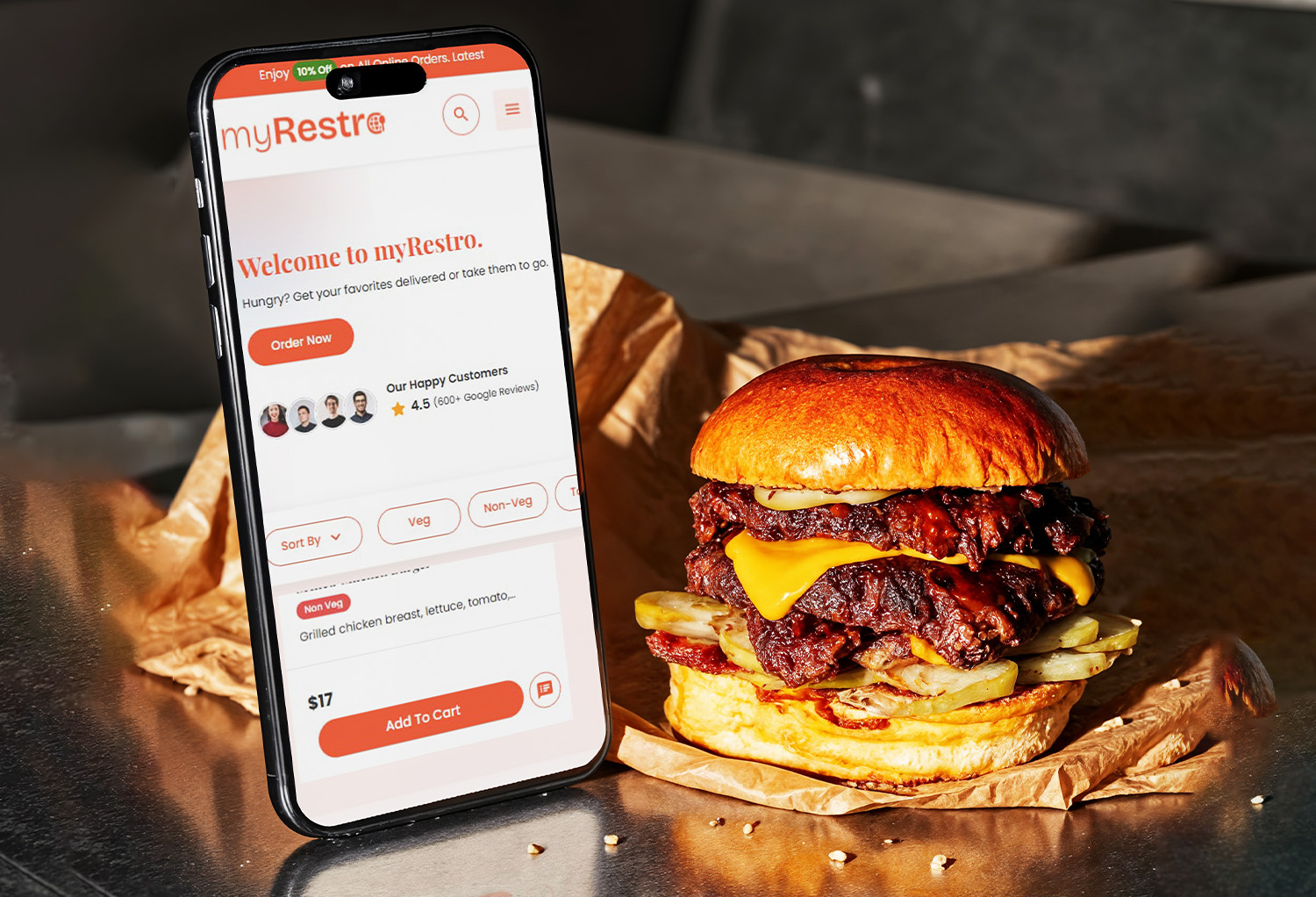
How myRestro Helps Manage Online Restaurant Orders
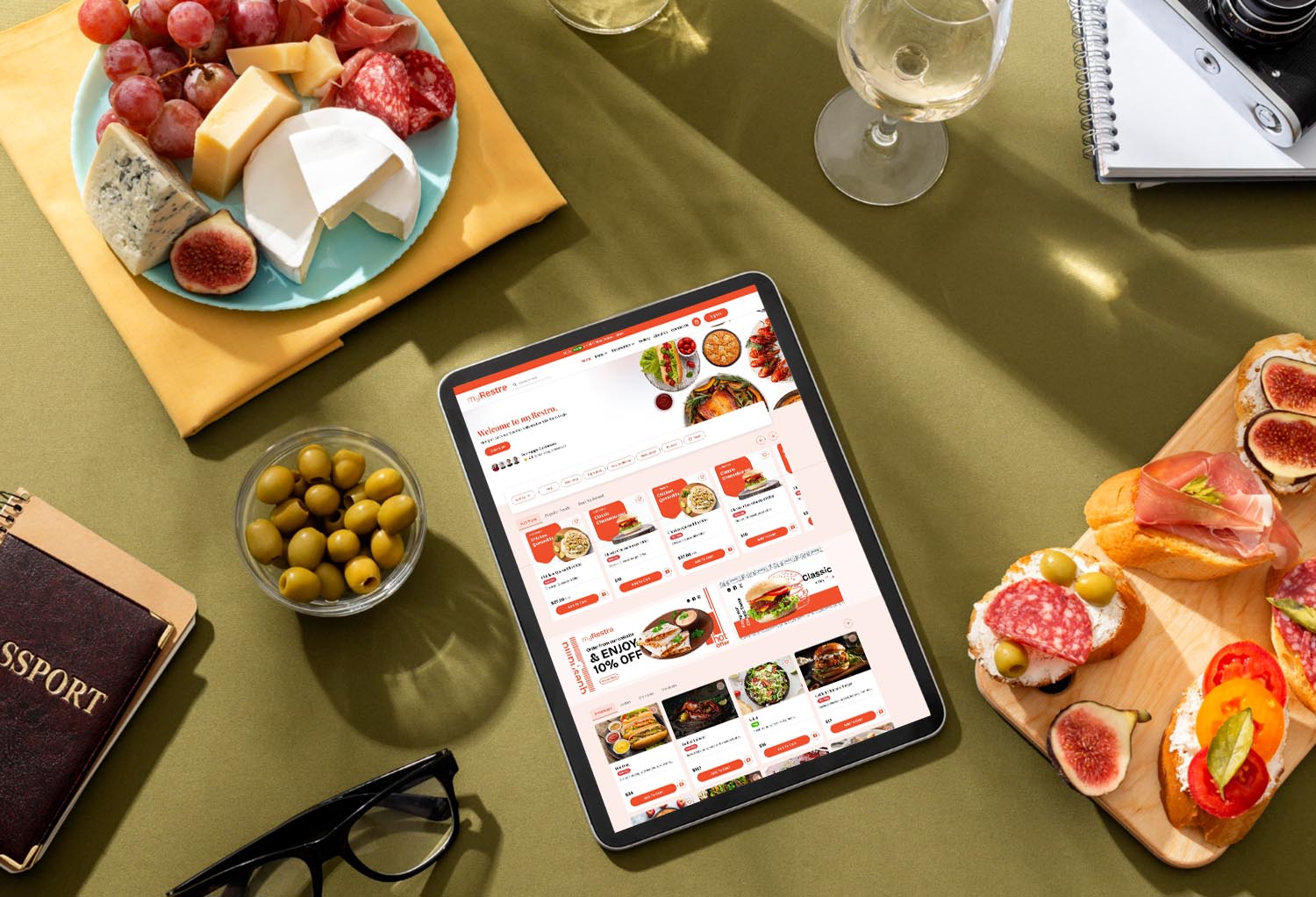
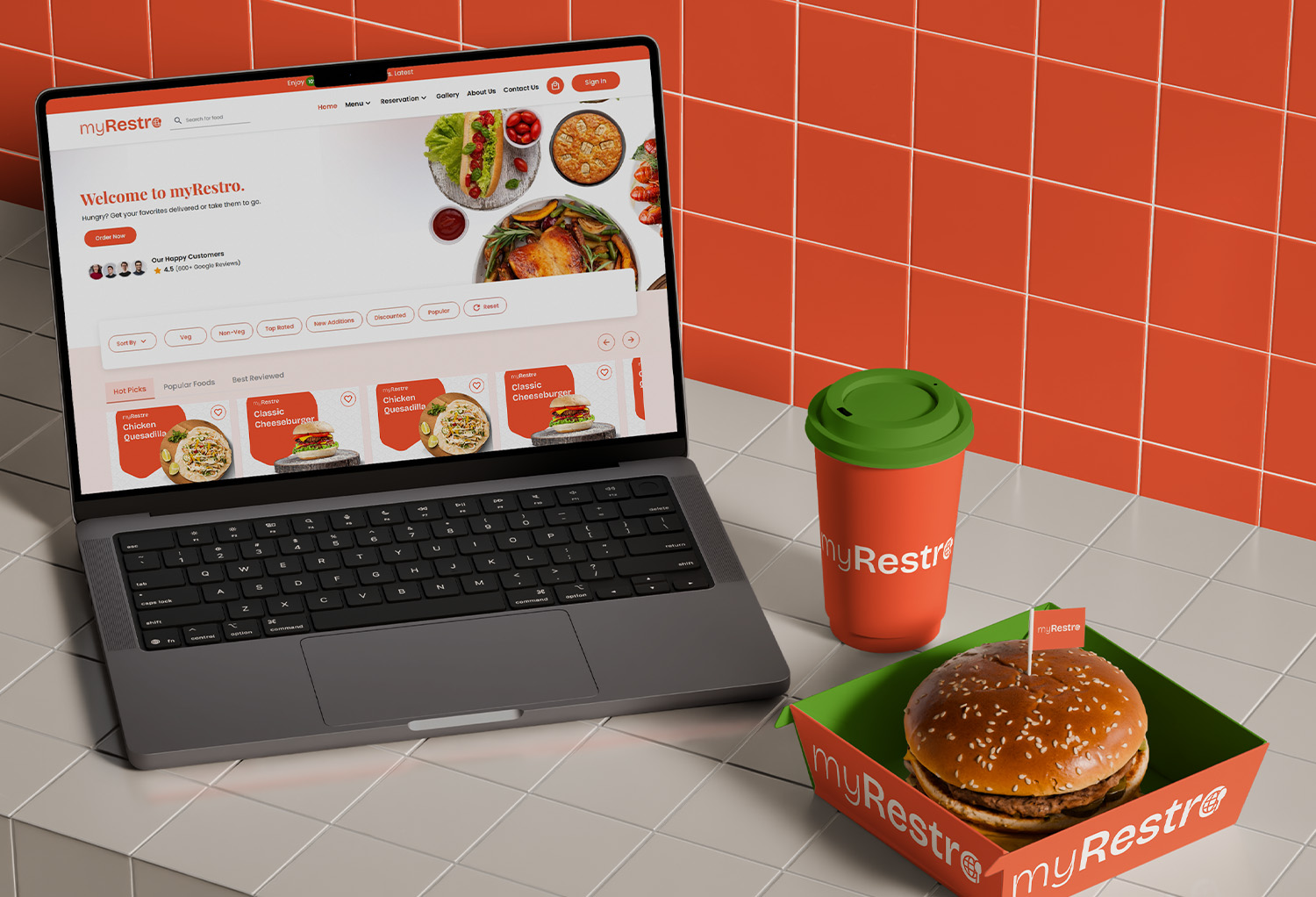
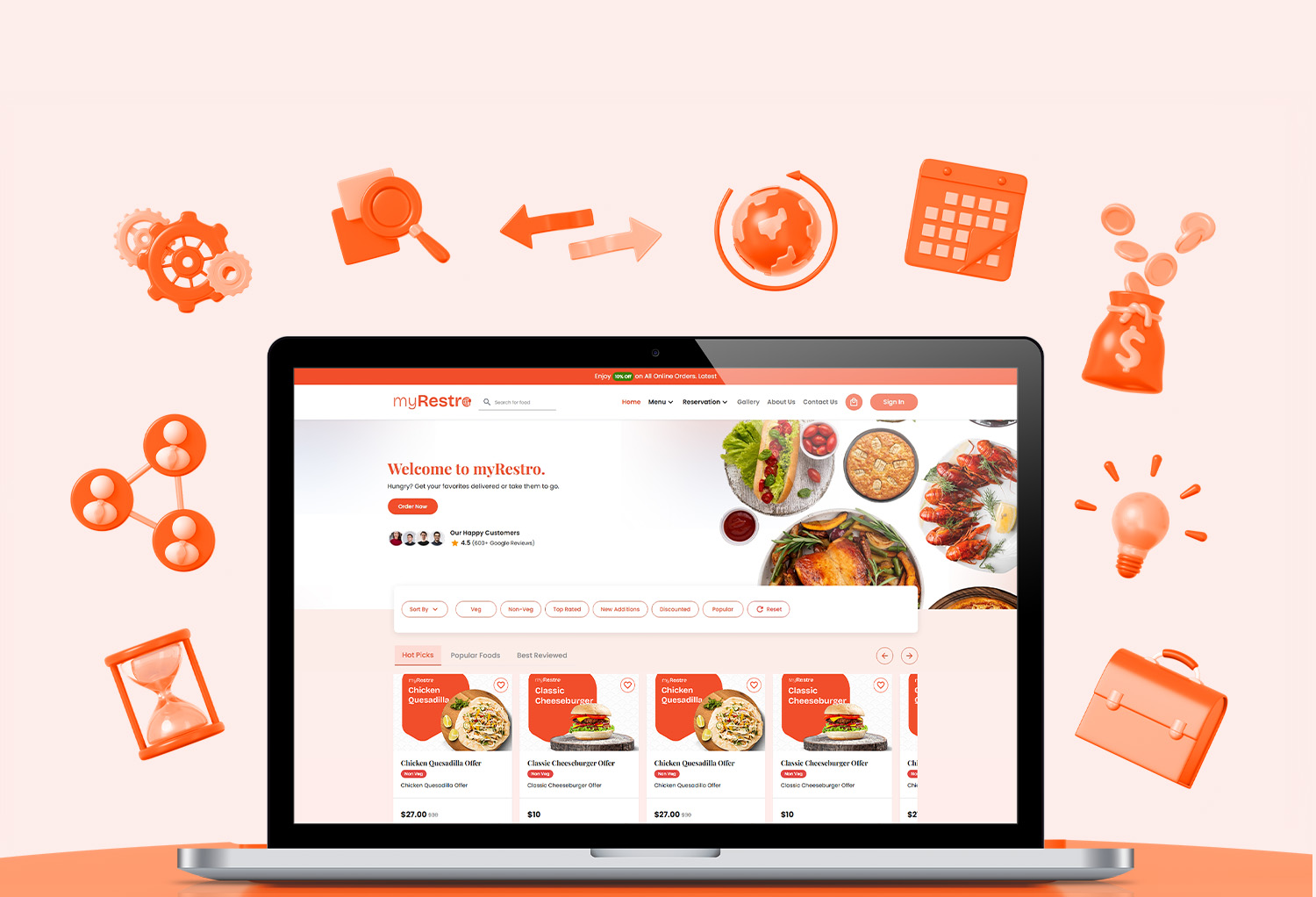
myRestro is designed to bring restaurant ordering and management tools together in one platform.
Restaurants can use myRestro to:
- Accept direct online orders
- Manage menus
- Build a branded restaurant website
- Manage pickup and delivery
- Manage table bookings
- Handle catering
- Manage customer information
- Use email and SMS marketing
- Offer QR code ordering
This allows restaurants to manage more of their digital operations from one platform.
Why Direct Ordering Matters
For independent restaurants, direct ordering can become an important long-term growth strategy.
When customers order directly through your own website, you have more control over the relationship.
You can build your brand, promote your own offers, and encourage repeat business without relying entirely on third-party marketplaces.
Frequently Asked Questions
How do I manage restaurant online orders?
Use restaurant ordering software that centralizes online orders, menus, payments, pickup, delivery, and customer information. A centralized system makes it easier for staff to process orders without switching between multiple platforms.
What software do restaurants use for online ordering?
Restaurants commonly use online ordering platforms, POS systems, restaurant management software, and delivery management tools. All-in-one restaurant software can combine several of these functions.
How can I manage online orders during busy hours?
Use scheduled ordering, realistic preparation times, centralized order management, clear order statuses, and organized pickup and delivery workflows.
How can restaurants reduce online ordering mistakes?
Keep menus updated, clearly display special instructions, use centralized order management, train employees, and establish a consistent process for confirming and completing orders.
Can restaurants accept online orders without DoorDash or Uber Eats?
Yes. Restaurants can create their own branded ordering website and accept direct online orders without requiring customers to use third-party marketplaces.
Is commission-free online ordering available for restaurants?
Yes. Several restaurant ordering platforms offer commission-free or direct-ordering options. Restaurants should compare monthly fees, payment processing, setup fees, and other costs before choosing a platform.
Can online ordering software manage catering?
Some restaurant platforms include catering management alongside standard online ordering. This allows restaurants to manage large orders, scheduled events, customer information, and delivery requirements.
Can a restaurant website accept online orders?
Yes. A restaurant website can be connected to an online ordering system so customers can browse the menu and place pickup or delivery orders directly.
Manage Your Restaurant Orders with myRestro
Stop juggling multiple systems to manage your restaurant's online orders.
With myRestro, you can bring online ordering, your restaurant website, menus, reservations, catering, delivery, payments, and marketing together in one platform.
With myRestro, you get:
- Online Ordering
- Branded Restaurant Website
- QR Code Menu
- Table Reservation Management
- Catering Management
- Delivery & Pickup Management
- Email & SMS Marketing
- Customer Management
- 90-Day Free Trial
- No Setup Fees
Contact Us
Call: +1 (562) 366-0646
Email: [email protected]
Website: https://myrestro.io
0 Comments