




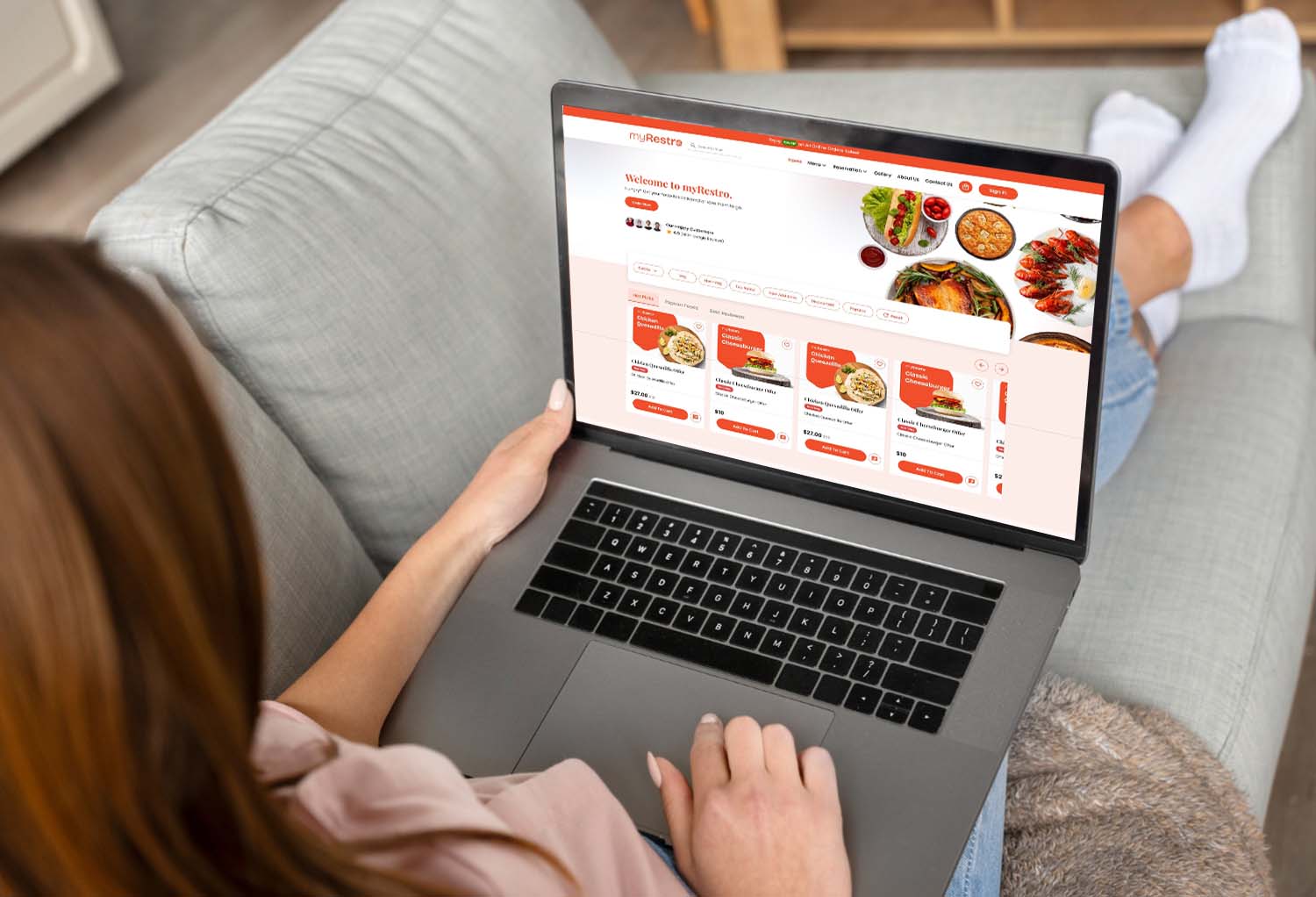
In 2026, online ordering will no longer be a "nice-to-have" for restaurants; rather, it will be an essential component of how customers make dining decisions. Customers expect to order directly from your website or mobile device in a matter of seconds, regardless of whether you run a fast-casual restaurant, a small café, or a multi-location business in California.
The challenge is that a lot of restaurants still mostly rely on third-party platforms like DoorDash and Uber Eats, which restrict brand control and demand high commissions.
This guide will walk you through exactly how to set up your own online ordering system step-by-step, so you can accept direct orders, reduce costs, and build long-term customer relationships.
If you are still comparing systems, you may also find this useful:
➡️ Restaurant Ordering System Comparison: Features, Pricing & ROI
Why You Need Your Own Online Ordering System
Before setup, it’s important to understand why restaurants are moving away from third-party apps.
Problems with third-party apps:
- High commission fees (15%–30%)
- No direct customer ownership
- Limited branding control
- No marketing access to customers
Benefits of direct online ordering:
- Full profit retention
- Customer data ownership
- Strong brand identity
- Lower long-term operating cost
👉 Related read:
➡️ How to Stop Paying Uber Eats Commissions (Step-by-Step Guide)
Step 1: Choose the Right Restaurant Ordering System
The first step is selecting the right platform. This is the foundation of your entire setup.
A good system should include:
- Online ordering website
- Menu management
- Payment integration
- Mobile-friendly design
- Marketing tools (SMS/email)
Common options in the market:
- Traditional POS systems like Toast
- Simplified systems like Square
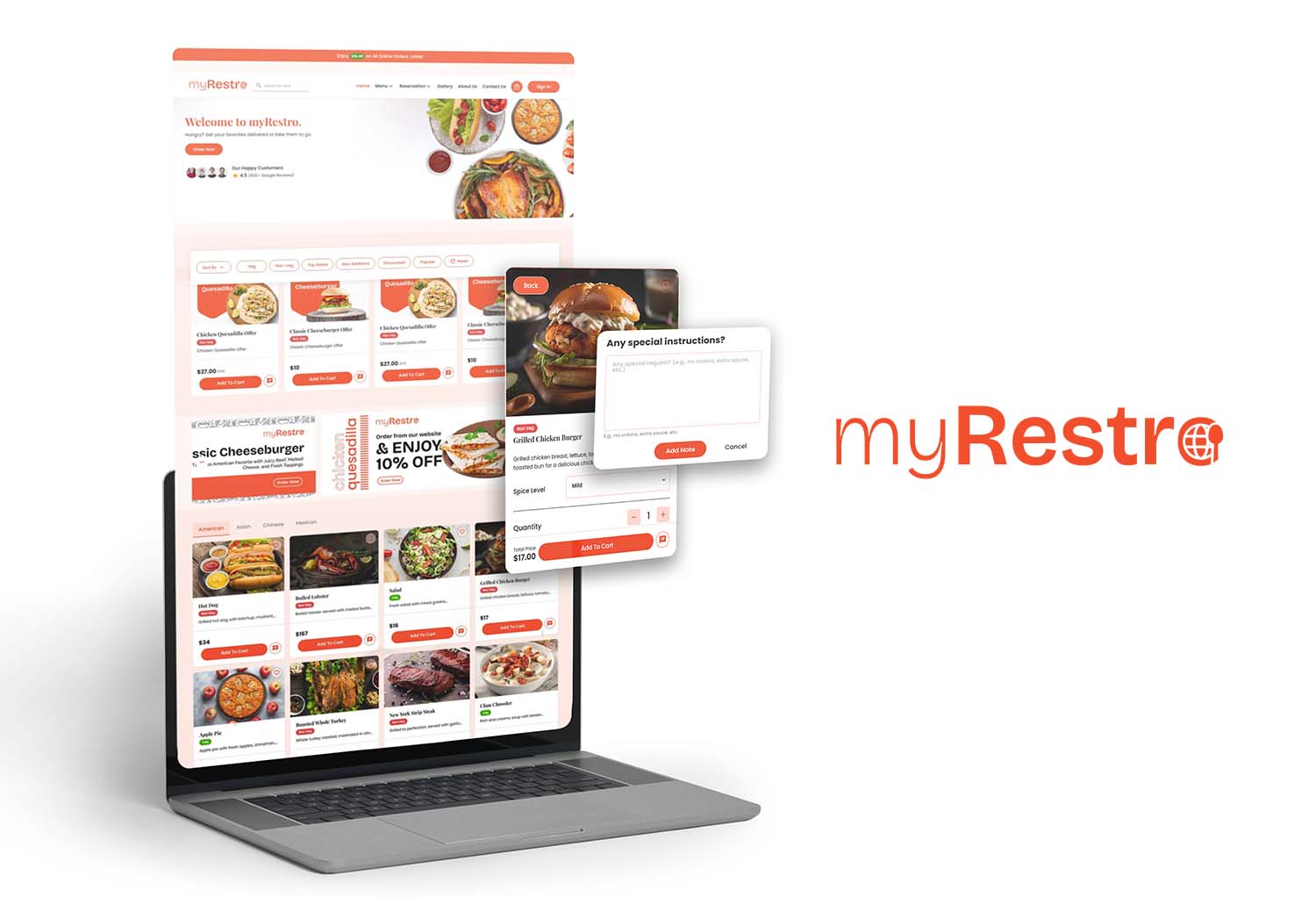
- All-in-one restaurant platforms like myRestro (built for direct ordering and branding)
👉 If you want a deeper comparison, read:
➡️ Best Restaurant Software with No Commission in 2026
Step 2: Build Your Branded Restaurant Website
Your website is your digital storefront.
Instead of sending customers to third-party apps, you bring them directly to your brand.
Your website should include:
- Menu with categories and images
- “Order Now” button
- Contact information
- Location & hours
- Online checkout system
A branded website helps you compete directly with delivery apps by keeping customers inside your ecosystem.
👉 Related:
➡️ Best Branded Restaurant Website Builder with Online Ordering (2026)
Step 3: Upload and Structure Your Menu Properly
Your menu is one of the most important parts of your online ordering system.
Best practices:
- Use clear categories (Starters, Mains, Drinks)
- Add high-quality food images
- Write simple descriptions
- Keep pricing updated
- Highlight best-selling items
A well-structured menu increases conversion rates and average order value.
Step 4: Set Up Online Payments
Customers expect fast and secure checkout options.
Make sure your system supports:
- Credit/debit cards
- Digital wallets
- Secure payment gateways
The smoother the checkout process, the higher your conversion rate.
Step 5: Enable Delivery and Pickup Options
Modern restaurants should offer flexibility:
- Pickup (fastest option, no delivery cost)
- In-house delivery (full control)
- Third-party integration (optional fallback)
This hybrid approach helps you reduce dependency on delivery apps while keeping operations flexible.
Step 6: Add Marketing Tools (Most Restaurants Miss This)
It's not enough to only set up ordering; you also need to bring customers back.
Essential marketing tools:
- SMS promotions
- Email campaigns
- Discount coupons
- Loyalty rewards
This is what turns one-time buyers into repeat customers.
Step 7: Optimize for Mobile Users
Most online orders today come from mobile devices.
Your system must be:
- Mobile responsive
- Fast-loading
- Easy to navigate
- One-click ordering friendly
If your ordering system is slow, customers will abandon the cart immediately.
Step 8: Promote Your Online Ordering System
Once everything is set up, you need traffic.
Promotion strategies:
- Add “Order Online” link on Google Maps
- Promote on Instagram and Facebook
- Add QR codes on tables and receipts
- Run local SEO campaigns
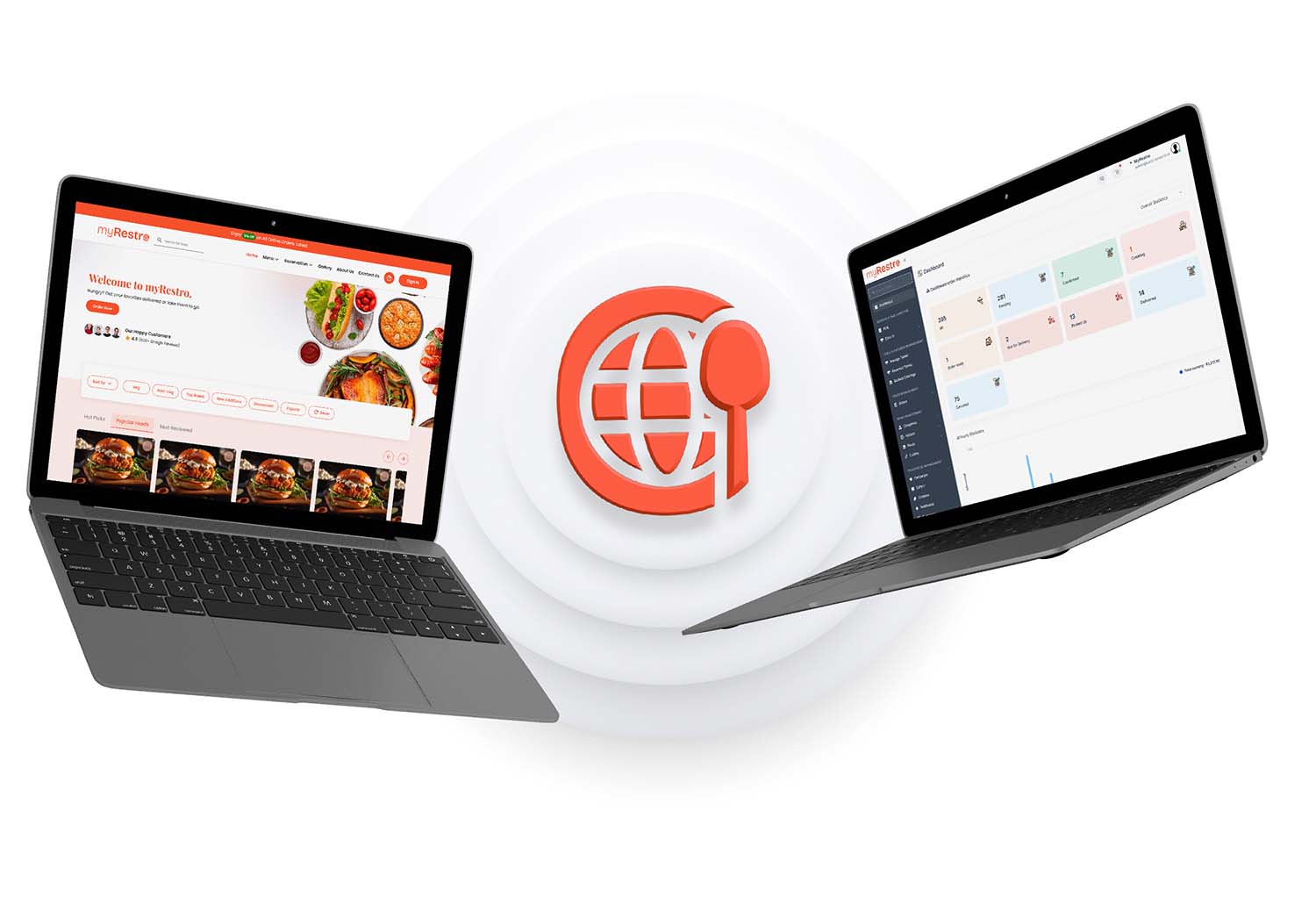
Step 9: Track Performance and Improve
Your system should show:
- Total orders
- Best-selling items
- Customer behavior
- Peak ordering times
This helps you make data-driven decisions instead of guessing.
Common Mistakes Restaurants Make
❌ Relying only on delivery apps
❌ Not optimizing mobile experience
❌ Ignoring marketing tools
❌ Not updating menus regularly
❌ Not collecting customer data
Avoiding these mistakes can significantly improve profitability.
Why 2026 Is the Turning Point
The restaurant industry is shifting fast:
- Customers prefer direct ordering
- Commission fees are becoming unsustainable
- Restaurants want brand ownership
- Digital independence is becoming essential
Restaurants that adopt direct ordering early will have a major competitive advantage.
Final Thoughts
It's no longer difficult to set up an online ordering system; it’s a strategic move that can significantly increase your restaurant's profitability.
Instead of depending on third-party apps, you can now:
- Own your customers
- Control your brand
- Increase margins
- Build long-term growth
Take Control of Your Restaurant Orders
With myRestro, you can launch your full online ordering system without complexity.
✔ Branded restaurant website
✔ Direct online ordering system
✔ Built-in marketing tools
✔ Table & delivery management
✔ No monthly fees
✔ 90-day free trial
Start TodayContact: +1 (562) 366-0646
Email: [email protected]
Website: https://myrestro.io
0 Comments