



There has been a significant change in how customers order food. Customers expect fast, seamless, and mobile-friendly online ordering systems for restaurants in 2026, and businesses that don't adapt run the risk of losing revenue every day.
Establishing a suitable online food ordering system is one of the best investments you can make, regardless of whether you operate a small café, a food truck, or a restaurant with multiple locations.
This in-depth guide will walk you through every step of the process, from setup to optimization, so you can start taking direct orders and growing your business.
What Is an Online Ordering System for Restaurants?
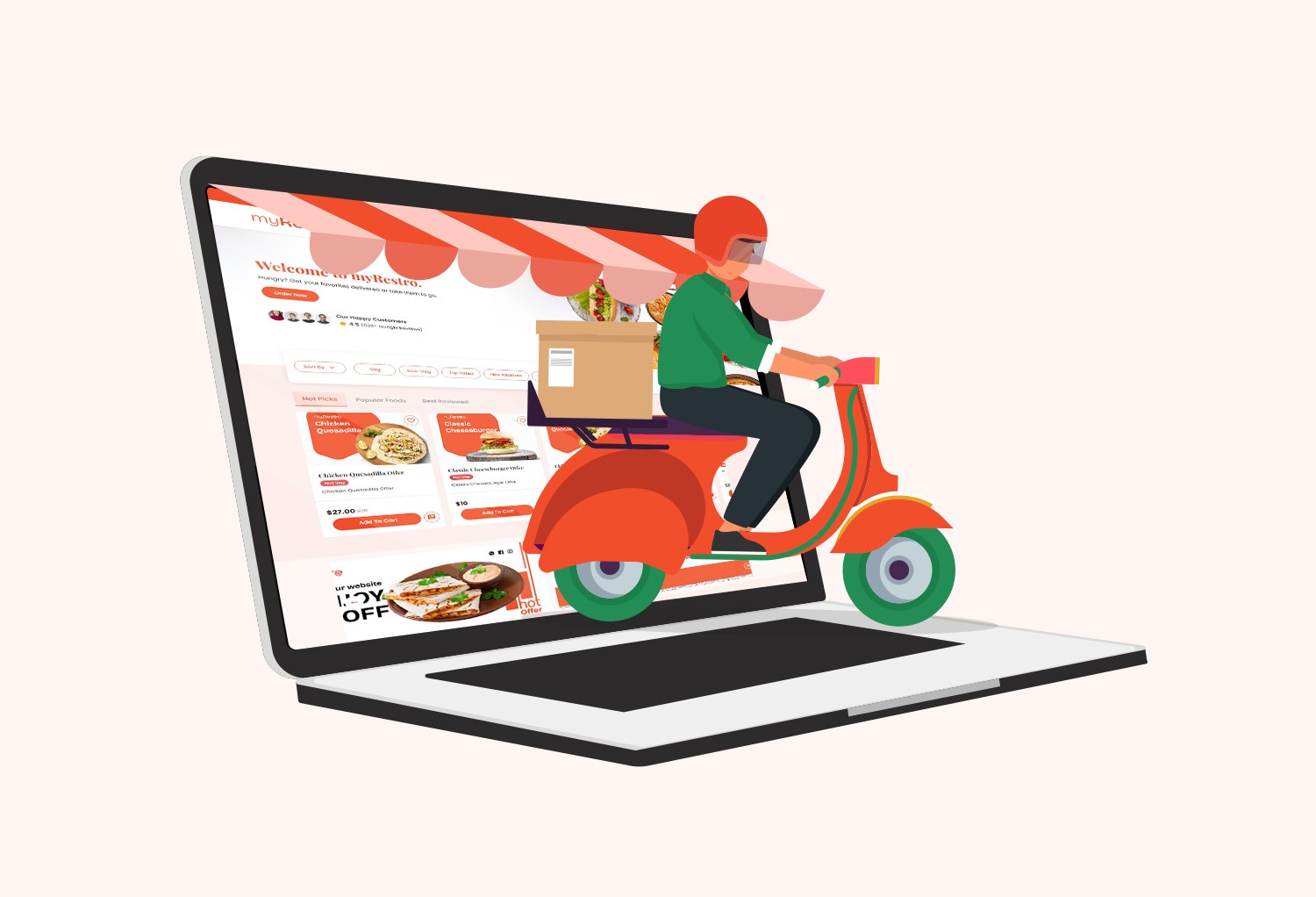
An online ordering system allows customers to browse your menu, place orders, and pay directly through your website or app.
It typically includes:
- Digital menu
- Payment processing
- Order tracking
- Delivery or pickup options
- Customer data collection
Unlike third-party apps, direct systems give you full control over your business and profits.
Why Your Restaurant Needs Online Ordering in 2026
Convenience is preferred by modern customers. Users have been trained to expect quick ordering by platforms like DoorDash and Uber Eats, but they also charge high commissions (15%–30%).
That’s why restaurants are shifting toward:
👉 Direct-to-customer food ordering solutions
Benefits:
✔ Higher profit margins
✔ Ownership of customer data
✔ Better brand control
✔ No dependency on third-party platforms
👉 Related read:
➡️ Third-Party Delivery Alternatives for Los Angeles Restaurants
➡️ How Much Money Are You Losing to Delivery Apps? (Real Breakdown)
Step-by-Step: How to Set Up an Online Ordering System
Step 1: Choose the Right Platform
The first step is selecting the right restaurant ordering software.
You have two main options:
1. Third-Party Platforms
- Examples: DoorDash, Uber Eats
- Pros: Easy setup, built-in traffic
- Cons: High commissions, no customer ownership
2. Direct Ordering Systems
- Your own website + ordering system
- No middlemen
- Higher long-term profit
👉 For comparison, check:
➡️ Top Online Ordering Systems for California Restaurants
Step 2: Build Your Restaurant Website
Your website is the foundation of your online ordering system.
A good restaurant website builder should include:
- Mobile-friendly design
- Fast loading speed
- Easy navigation
- Integrated ordering system
👉 You can also explore:
➡️ Restaurant POS vs Online Ordering System: What You Actually Need
Step 3: Add Your Online Menu
Your digital menu should be:
- Easy to read
- Visually appealing
- Updated in real time
Use online menu management tools for restaurants to:
✔ Add images and descriptions
✔ Update pricing instantly
✔ Highlight best-selling items
This improves customer experience and boosts conversions.
Step 4: Set Up Payments
Your system should support:
- Credit/debit cards
- Digital wallets
- Secure checkout
To ensure seamless transactions, the majority of systems integrate directly with payment processors.
Step 5: Configure Delivery & Pickup Options
Offer flexible options like:
- Pickup (takeout)
- In-house delivery
- Third-party delivery integration
You can keep your own ordering system and still use delivery services like DoorDash.
👉 Learn more:
➡️ Third-Party Delivery Alternatives for Los Angeles Restaurants
Step 6: Integrate with POS System
Connecting your restaurant POS system ensures:
✔ Orders go directly to the kitchen
✔ Inventory updates automatically
✔ No manual entry errors
👉 Related guide:
➡️ Best POS Systems with Online Ordering Integration for Restaurants
Step 7: Add Marketing Tools
To grow your orders, your system should include:
- Email marketing
- SMS promotions
- Coupons and discounts
- Loyalty programs
These tools help you:
✔ Increase repeat customers
✔ Boost restaurant visibility
✔ Drive more sales
Step 8: Optimize for SEO & Local Search
Your website should be optimized for the following in order to attract more customers:
- “restaurant ordering system Los Angeles”
- “online ordering for restaurants in LA”
- “food ordering website California”
This helps your restaurant appear when customers search:
👉 “order food online”
Common Mistakes to Avoid
❌ Relying only on third-party apps
❌ Not optimizing your website for mobile
❌ Ignoring SEO and local search
❌ Not using marketing tools
❌ Complicated checkout process
Avoiding these mistakes ensures that your system performs efficiently.
Best Solution for Small Restaurants
For small restaurants, the ideal system should be:
✔ Affordable
✔ Easy to set up
✔ Commission-free
✔ Scalable
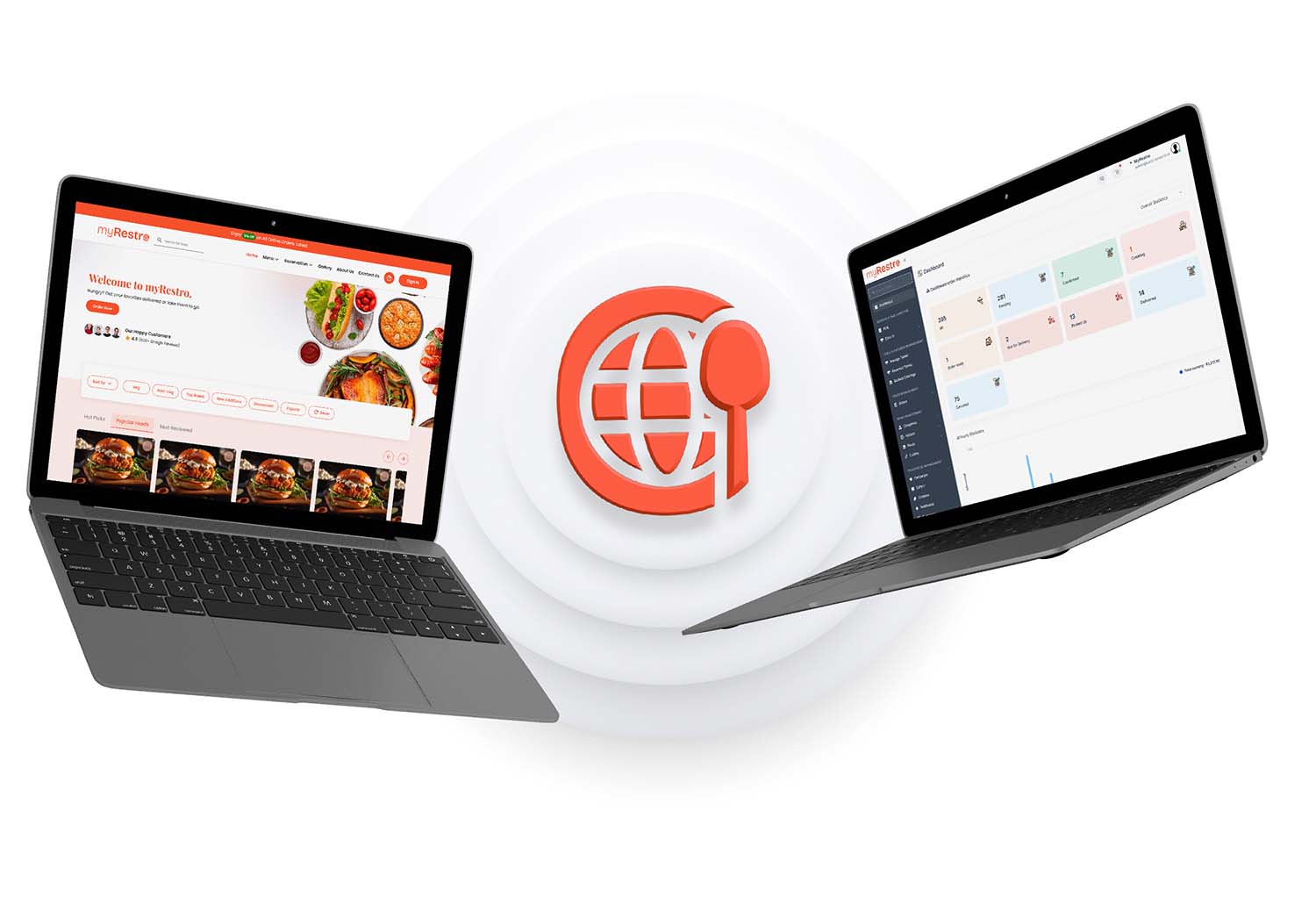
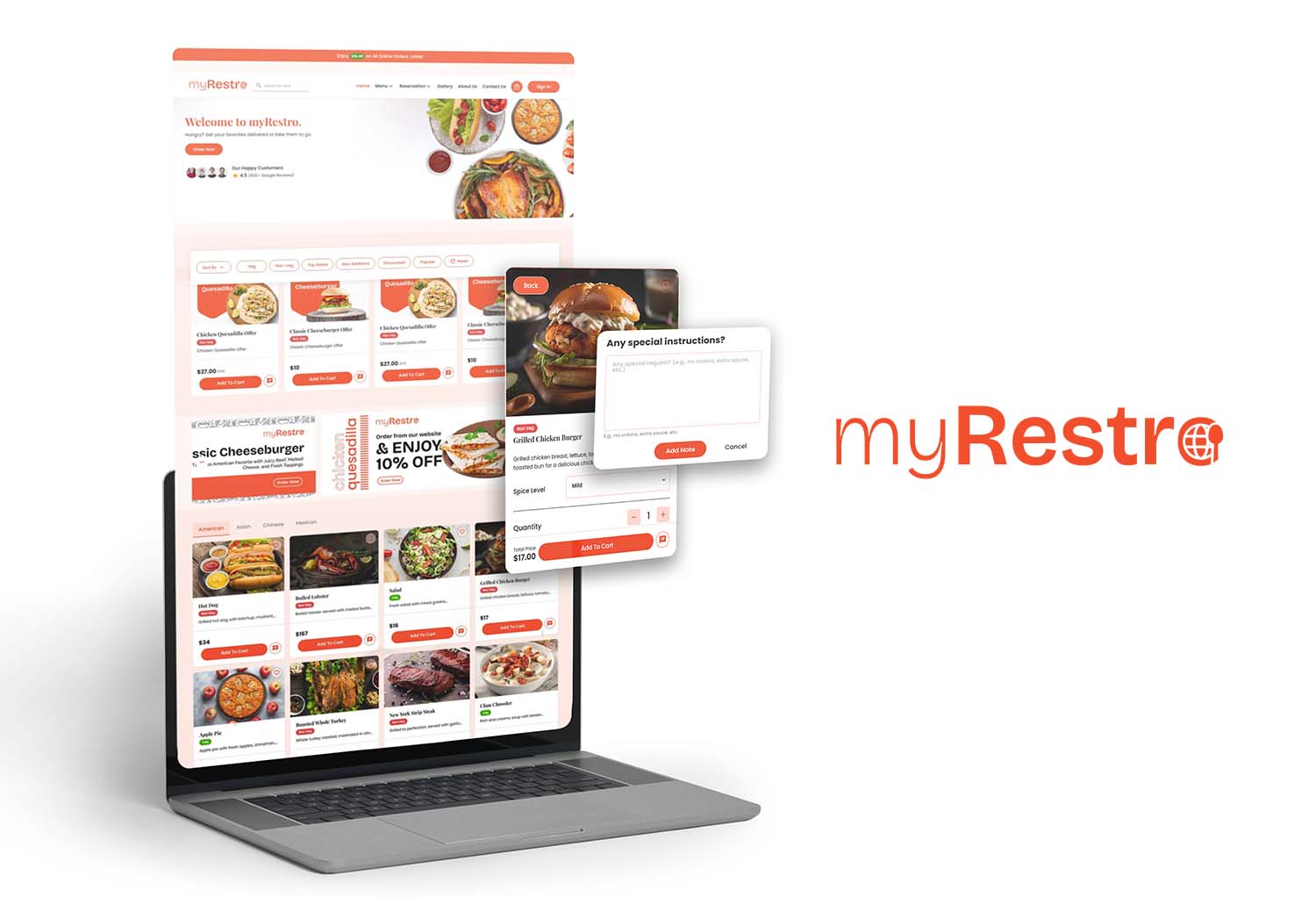
Platforms like myRestro provide:
- Direct ordering
- Branded restaurant website
- Built-in marketing tools
- No monthly fees
👉 Related read:
➡️ Best Restaurant Software with No Commission in 2026
Real-World Example
Imagine a restaurant in Los Angeles:
- Without online ordering → relies on walk-ins
- With third-party apps → loses 30% per order
- With direct ordering → keeps full profit
👉 That’s the power of owning your online ordering system
Final Thoughts
In order to grow in 2026, restaurants will need to have an online ordering system.
By following this guide, you can:
✔ Accept direct online orders
✔ Reduce commission costs
✔ Improve customer experience
✔ Increase long-term profitability
👉 The future belongs to restaurants that own their ordering systems.
Take Control of Your Restaurant Growth
Build your brand instead of paying high commissions.
With myRestro, you get:
✔ Direct online ordering
✔ Branded website
✔ Free digital marketing tools
✔ No monthly fees
✔ 90-day free trial
Start Your Free Trial Today
Phone: +1 (562) 366-0646
Email: [email protected]
Website:https://myrestro.io
👉 Start today and grow your restaurant smarter!
0 Comments