





For restaurants in Los Angeles, keeping an online menu accurate and up to date is an important part of managing digital operations.
Menu prices change. New dishes are added. Seasonal items come and go. Some items become unavailable, while others need updated descriptions or photos.
If restaurant owners have to update menus across multiple platforms manually, keeping everything consistent can become time-consuming.
That is where online menu management tools for restaurants in Los Angeles can help.
A centralized menu management system allows restaurants to manage menu information digitally and make updates more efficiently across their online ordering channels, website, and digital menus.
What Is Online Menu Management?
Online menu management is the process of creating, organizing, updating, and maintaining a restaurant's menu digitally.
Instead of relying only on printed menus or manually updating different platforms, restaurants can manage important menu information from a centralized system.
This can include:
- Menu categories
- Food and drink items
- Prices
- Item descriptions
- Food photos
- Modifiers and add-ons
- Availability
- Special offers
- Seasonal items
- Online ordering information
For busy Los Angeles restaurants, having these details organized in one place can make everyday menu management easier.
Why Los Angeles Restaurants Need Better Menu Management
Los Angeles restaurants operate in a highly competitive market, and customers increasingly interact with restaurants online before placing an order or visiting.
An outdated online menu can create unnecessary problems.
For example, a customer may see one price online and another in the restaurant. A dish may appear available even though the kitchen no longer serves it. Or an updated item may be missing from the restaurant's online ordering menu.
These inconsistencies can affect the customer experience.
A dedicated menu management tool can help restaurants keep their digital menu information organized and easier to maintain.
For restaurants that are also improving their overall digital presence, an updated menu can work alongside a branded restaurant website to give customers a consistent place to find restaurant information and menus.
Key Features to Look For in Online Menu Management Tools
Not every restaurant menu system provides the same features. When comparing online menu management tools, restaurant owners should consider the following.
1. Easy Menu Editing
Restaurant staff should be able to update menu items without complicated technical processes.
A useful system should make it simple to:
- Add new items
- Remove items
- Change prices
- Update descriptions
- Rearrange categories
- Add photos
- Update availability
This is especially useful when menus change frequently.
2. Multiple Menu Categories
Restaurants often have several sections, such as:
- Appetizers
- Entrées
- Desserts
- Beverages
- Lunch specials
- Dinner
- Family meals
- Catering
- Chef specials
Organizing these categories clearly can make the menu easier for customers to browse.
A well-organized menu is particularly important for restaurants with larger selections, such as Indian, Nepali, Asian, and fusion restaurants where customers may need to navigate multiple food categories.
3. Digital Menu Support
Customers may access menus through a restaurant website, online ordering page, or QR code.
A good menu management system should support digital menus that are easy to access from smartphones.
This can reduce the need to rely exclusively on printed menus.
Digital menus can also work alongside online ordering systems. Restaurants researching the broader ordering experience can also review Top Online Ordering Systems for Takeout and Delivery (2026): What Restaurants Should Look For to understand how menu and ordering functionality can work together.
4. QR Code Menus
QR code menus allow customers to scan a code using their phone and access the restaurant's digital menu.
Restaurants can use QR menus for:
- Dine-in tables
- Takeout counters
- Waiting areas
- Promotional materials
- Events
When menu information is managed digitally, restaurants can update the information without having to reprint every menu.
5. Online Ordering Integration
Menu management becomes even more useful when it connects directly with online ordering.
Customers should be able to view the menu and move from browsing to ordering without unnecessary steps.
This can help restaurants create a more connected digital experience.
When evaluating an online ordering platform, restaurant owners should also consider the complete ordering workflow, including pickup, delivery, customer management, and order processing.
6. Menu Item Modifiers
Many restaurant dishes require customization.
For example:
- Extra cheese
- Spice level
- Add chicken
- Remove onions
- Choose a side
- Select a size
A menu management system should make it possible to organize these options clearly.
This is especially useful for restaurants where customers frequently customize dishes or choose from different sizes, toppings, sides, and preparation options.
7. Item Availability
Restaurants do not always have every menu item available.
A digital menu system should make it easy to mark items unavailable or update availability when needed.
This can help prevent customers from ordering items that the kitchen cannot currently prepare.
Online Menu Management vs. Manually Updating Menus
Manually managing restaurant menus can become difficult when information needs to be changed frequently.
| Manual Menu Management | Online Menu Management |
| Changes may take longer | Updates can be made digitally |
| Printed menus need reprinting | Digital menus can be updated |
| More difficult to manage multiple channels | Centralized management can simplify updates |
| Limited flexibility | Easier to add seasonal items |
| Staff may need multiple processes | Menu information can be organized in one system |
The right approach depends on the restaurant's size, menu complexity, and digital setup.
For restaurants managing several digital operations at once, an all-in-one platform can reduce the need to work across multiple disconnected tools. Our guide to All-in-One Restaurant Management Software in California: Complete Guide for Restaurants (2026) explains how menu management can fit into a broader restaurant technology system.
How Better Menu Management Can Improve the Customer Experience
A restaurant's menu is more than a list of dishes. It is part of the customer's decision-making process.
Customers want to know:
- What is available?
- How much does it cost?
- What does the dish contain?
- Can I customize it?
- Can I order it online?
- What options are available?
An organized digital menu can make this information easier to find.
Clear descriptions, accurate prices, useful photos, and organized categories can help customers navigate the menu before making an order.
A mobile-friendly menu is especially important because many customers access restaurant websites and ordering pages directly from their phones.
Menu Management for Takeout and Delivery
Los Angeles restaurants serving takeout and delivery also need their online menus to remain accurate.
Customers placing delivery or pickup orders may never interact with a printed menu.
Their entire ordering experience can happen online.
That means restaurants should pay attention to:
- Accurate item names
- Current prices
- Available items
- Modifiers
- Ordering instructions
- Photos
- Pickup and delivery options
Keeping this information updated can help create a smoother ordering process.
Restaurants that want to build more direct ordering opportunities can also explore No Commission Food Ordering System Los Angeles: What Restaurants Should Look For (2026), which discusses the role of digital menus in direct restaurant ordering.
Menu Management for Seasonal and Special Items
Restaurants frequently introduce temporary menu items.
These may include:
- Holiday specials
- Seasonal dishes
- Limited-time offers
- Chef specials
- Lunch promotions
- Catering packages
An online menu management system makes it easier to introduce these items and remove them when the promotion ends.
This gives restaurants more flexibility than relying exclusively on printed menus.
For example, a restaurant can add a seasonal dish, update its description and price, make it available for online ordering, and remove it after the promotion ends.
How Menu Management Fits Into Restaurant Technology
Menu management is only one part of a restaurant's digital operations.
Modern restaurants may also need tools for:
- Online ordering
- Restaurant websites
- QR code menus
- Reservations
- Customer management
- Catering
- Delivery and pickup
- Email and SMS marketing
- Coupons
- Reporting
Managing these functions through separate systems can create additional work.
That is why some restaurants look for an all-in-one restaurant management platform.
A connected system can help restaurants manage different parts of their digital operation without constantly moving information between separate platforms.
Marketing can also work alongside menu management. For example, restaurants can use updated menus when promoting new dishes or seasonal offers through email and SMS. Restaurant Email & SMS Marketing: How to Drive Repeat Orders (2026) covers how restaurant marketing can support repeat customer engagement.
What Should Los Angeles Restaurants Consider Before Choosing a Menu Tool?
Before selecting an online menu management system, restaurant owners should consider the following.
Ease of Use
Can restaurant staff make updates without technical assistance?
Online Ordering
Does the menu connect with the restaurant's ordering system?
Digital Menus
Can the same menu be used for websites and QR code menus?
Customization
Can restaurants manage modifiers, categories, sizes, and add-ons?
Menu Updates
Can prices and item availability be changed quickly?
Restaurant Website
Does the platform support a branded restaurant website where customers can view the menu?
Customer Experience
Is the menu easy to navigate on mobile devices?
Marketing
Can the restaurant use its updated menu when promoting new dishes, specials, and seasonal offers?
Cost
Are there setup fees, monthly charges, transaction fees, or commissions that restaurant owners should consider?
These questions can help restaurants compare solutions based on their actual needs.
Restaurants that prefer to test software before committing can also look at Best Restaurant Software Free Trial 2026: What Should Restaurant Owners Look For? and use a trial period to test menu management, ordering, and other features in a real restaurant workflow.
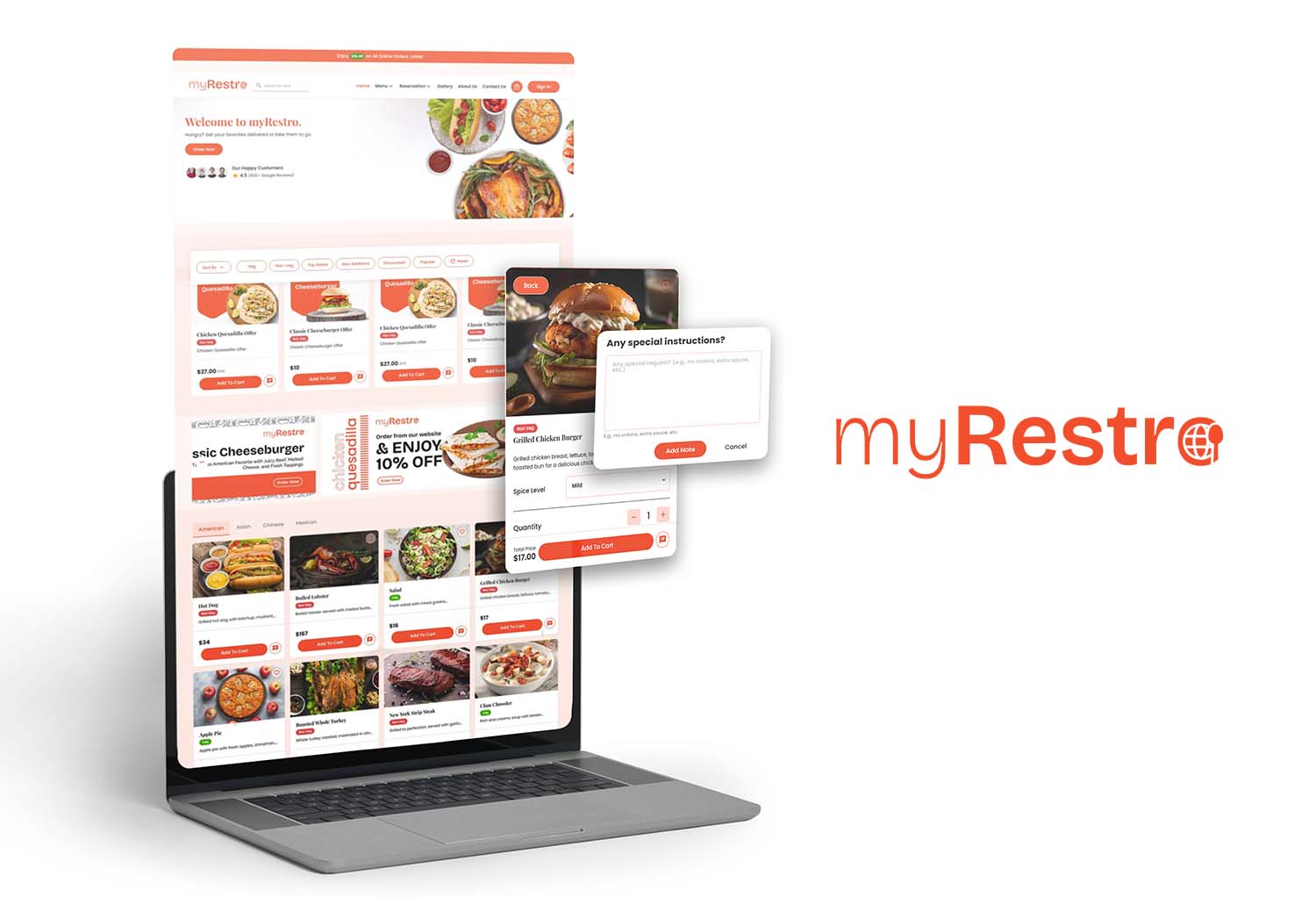
Why myRestro Can Help With Restaurant Menu Management
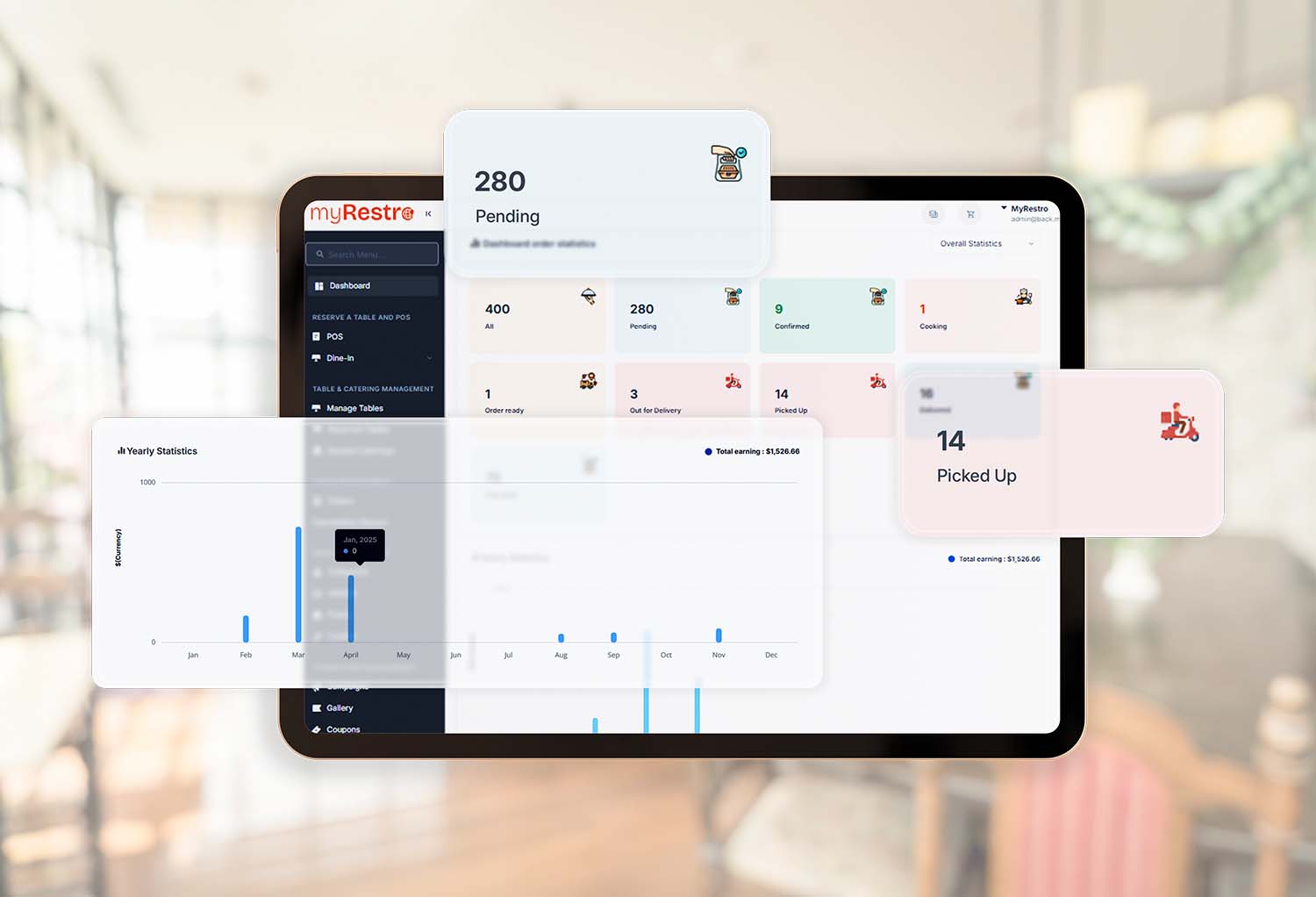
myRestro brings restaurant management and digital ordering tools together in one platform.
Restaurants can use myRestro to manage important parts of their digital presence, including:
- Online menus
- QR code menus
- Online ordering
- Branded restaurant websites
- Pickup and delivery
- Table reservations
- Catering management
- Customer management
- Email and SMS marketing
- Coupon management
Instead of treating the digital menu as a separate tool, restaurants can connect menu management with other parts of their restaurant operation.
For Los Angeles restaurants looking to build a stronger direct digital presence, this can provide a more centralized approach.
myRestro currently offers a 90-day free trial with 0% commission during the trial period. After the trial, its current pricing model is 10% per online order, with no setup fees. Restaurant owners should review the current pricing before signing up.
Benefits of Managing Your Restaurant Menu Digitally
A well-organized digital menu can help restaurants:
Keep Information Updated
Make changes to prices, items, descriptions, and availability more efficiently.
Improve Online Ordering
Give customers a clear menu when they are ready to order.
Reduce Menu Inconsistencies
Keep digital menu information organized instead of relying on multiple manual processes.
Promote New Dishes
Add seasonal dishes, specials, and limited-time items more easily.
Support QR Ordering
Give customers quick access to a digital menu.
Create a Better Online Experience
Make it easier for customers to browse restaurant offerings from their phones.
Final Thoughts
For restaurants in Los Angeles, an online menu is an important part of the digital customer experience.
The right online menu management tools for restaurants in Los Angeles can make it easier to update prices, manage availability, organize categories, add specials, support QR menus, and connect menus with online ordering.
Restaurant owners should look beyond simply having a digital menu and consider how menu management fits into their overall restaurant technology.
A connected system can help bring online menus, ordering, websites, reservations, marketing, and other restaurant operations together.
The goal is not simply to replace a printed menu. It is to create a digital menu that stays accurate, works across the restaurant's online channels, and makes it easier for customers to find and order what they want.
Frequently Asked Questions
What is an online menu management tool for restaurants?
It is software that allows restaurants to create, organize, update, and manage their menus digitally, including items, prices, descriptions, categories, modifiers, photos, and availability.
Can restaurants use online menu management with QR codes?
Yes. Digital menu systems can support QR code menus that allow customers to access the restaurant's menu using a smartphone.
Can an online menu connect with restaurant ordering?
Many restaurant platforms connect digital menus with online ordering, allowing customers to browse menu items and place orders through the restaurant's digital ordering system.
How often should a restaurant update its online menu?
Restaurants should update their digital menu whenever prices, ingredients, availability, specials, or other menu information changes.
Can digital menus be used for takeout and delivery?
Yes. Digital menus can be connected with online ordering systems that support pickup and delivery, allowing customers to browse the menu before placing an order.
Can restaurant menus include modifiers?
Many restaurant menu management systems support modifiers such as sizes, toppings, sides, spice levels, and other customization options.
Can myRestro manage restaurant menus?
Yes. myRestro provides digital menu and QR menu capabilities along with online ordering, restaurant websites, reservations, catering, customer management, and marketing tools.
Manage Your Restaurant Menu With myRestro
Give customers an easier way to discover your menu and place orders online.
With myRestro, restaurants can access:
✔ Online Menu Management
✔ QR Code Menu
✔ Online Ordering
✔ Branded Restaurant Website
✔ Table Reservation Management
✔ Catering Management
✔ Delivery & Pickup Management
✔ Email & SMS Marketing
✔ Customer Management
✔ 90-Day Free Trial
✔ 0% Commission During the Trial
✔ No Setup Fees
Make your restaurant menu easier to manage and easier for customers to use.
👉 Explore myRestro today.
Contact: +1 (562) 366-0646
Email: [email protected]
Website: myrestro.io
0 Comments